- Tuskira released an open-source gateway that sits between AI agents and the tools and models they call, so credentials are stored once instead of in every agent's config.
- It checks permissions at the moment of each tool call, but a key not bound to a profile can name any profile, and the project is pre-1.0.
- Ask which agents hold real credentials today, whether keys are bound to profiles, and whether request and response bodies are being stored.
An agent with keys in its pocket is a copy-and-paste risk
Every AI agent your team adopts needs access to something. A model, a ticket system, a code host. Today that access often arrives as a credential pasted into a config file. Multiply that by every laptop and every build runner, and the same secret lives in many places.
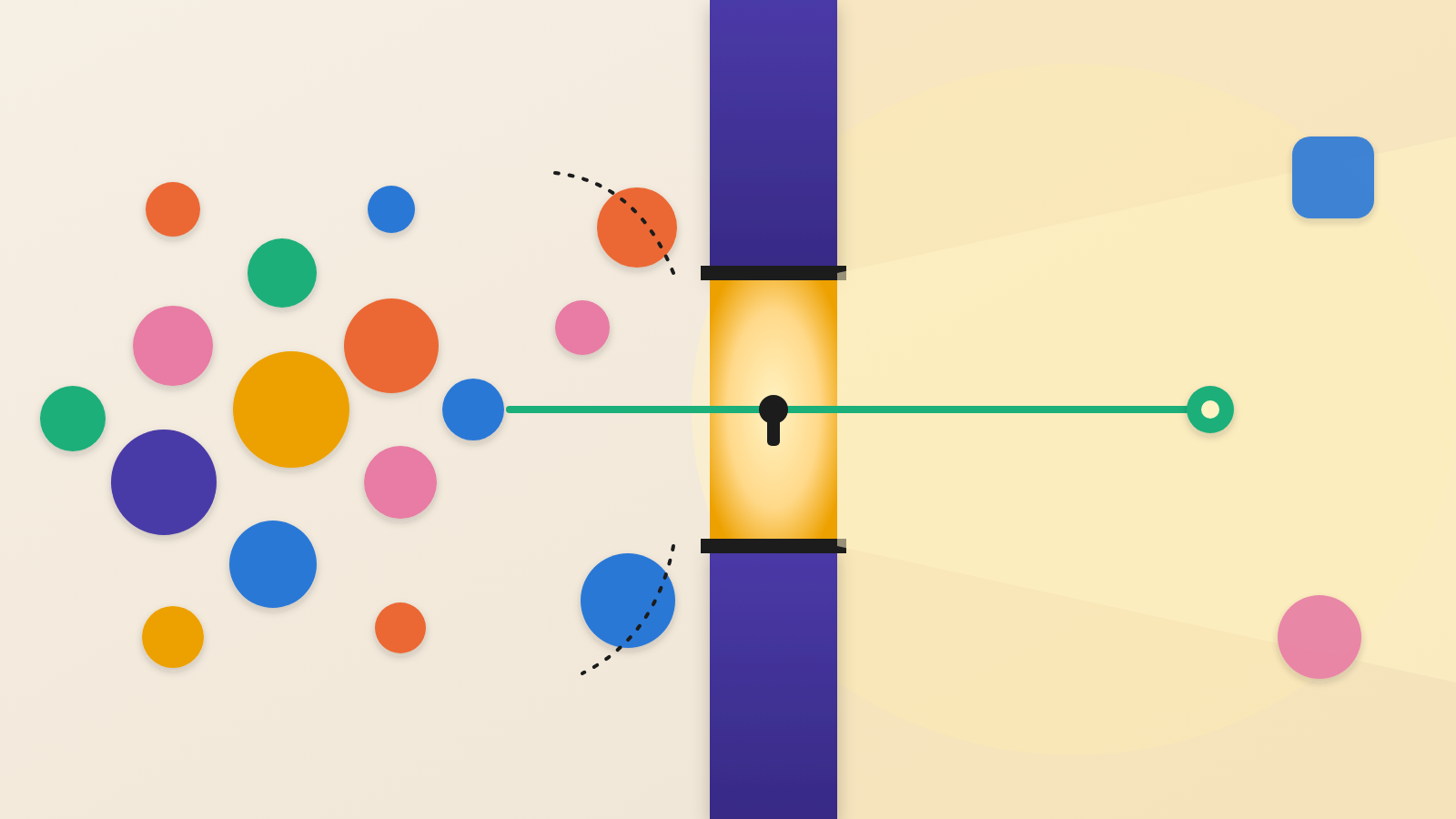
The lesson here is that agents should be treated like contractors, not employees. A contractor gets a visitor badge at the front desk, good for certain doors. They do not get a copy of the master key. Tuskira's new open-source AI Agent Gateway applies that idea to software.
What Tuskira released
Tuskira published the AI Agent Gateway on GitHub under the Apache 2.0 licence. It is a single program that sits in front of two streams of traffic. The first is the MCP tool servers that let agents reach services such as GitHub and Jira. The second is prompts headed to AI model vendors: Claude (directly or through AWS Bedrock), OpenAI and Gemini.
Help Net Security covered the release. Its write-up says you host the gateway yourself and need no Tuskira account. Tuskira describes the aim as putting credentials and access policy in one place, instead of copying them into every agent config.
How the check works
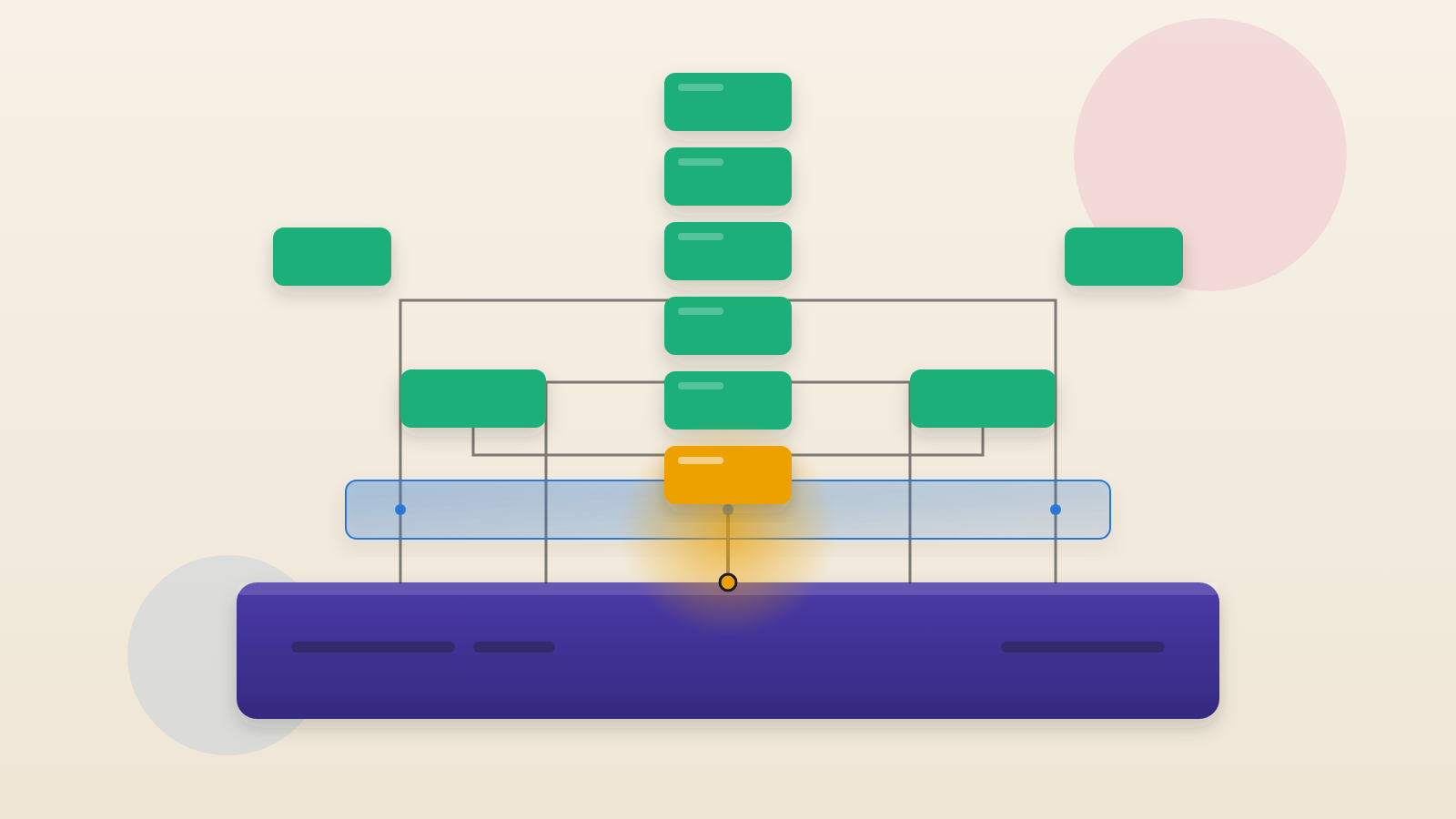
The agent is pointed at the gateway as its tool server. With every request it sends a gateway-issued key and a profile name. The key says which tenant the agent belongs to and what role it plays. A profile is a list of the tools one kind of agent may use.
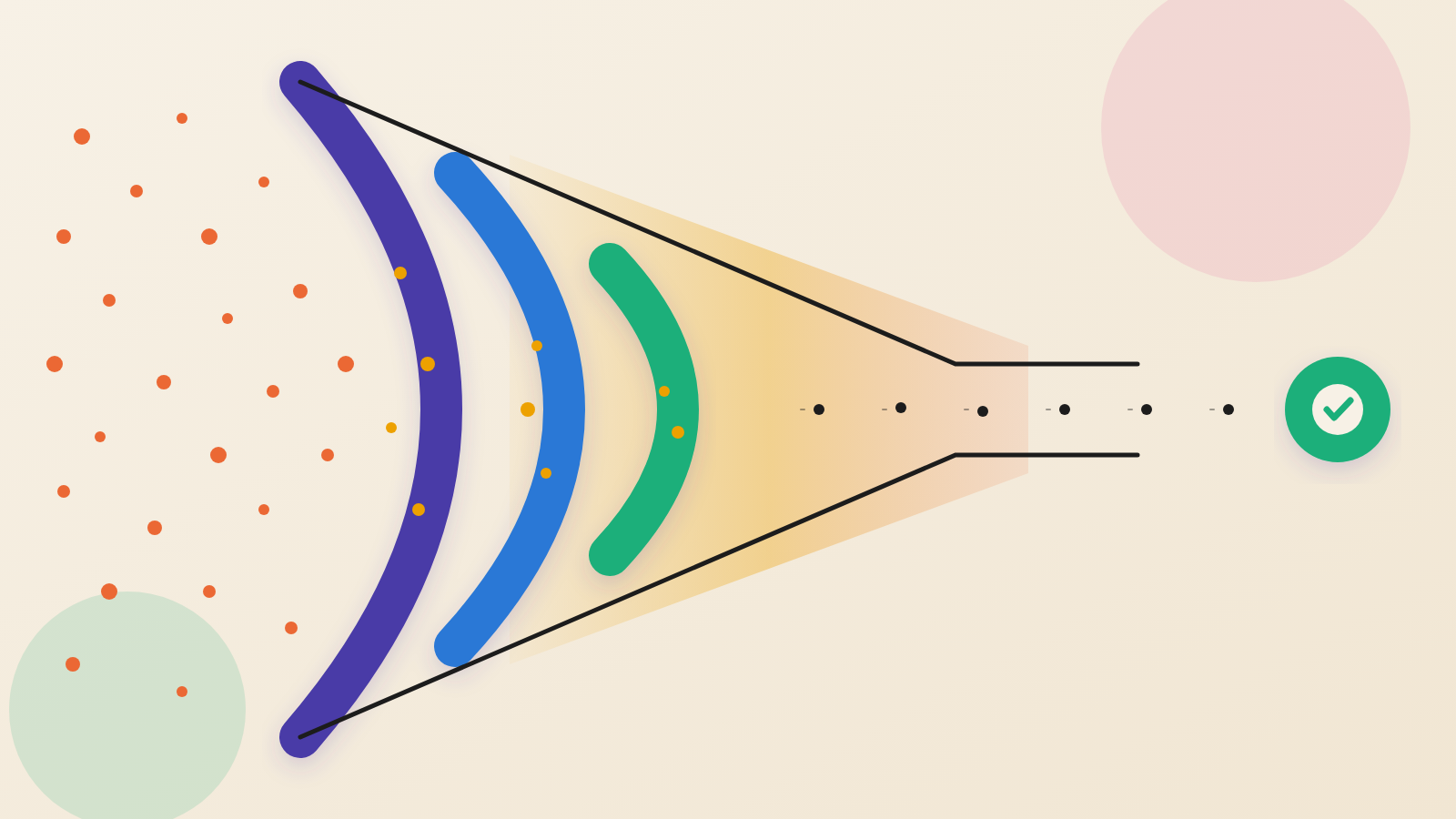
The gateway checks the key, then checks whether the profile allows the requested tool. If not, the call is refused and logged, and the backend never sees it. If yes, the gateway pulls the real credential from an encrypted store and attaches it on the way out. The agent never holds the GitHub token.
Tuskira says the permission check runs on every tool call, not only when the tool list is shown. Help Net Security draws the consequence. An agent manipulated into requesting a tool it was never shown meets a refusal anyway. Model traffic can be routed through the same gateway by changing the SDK's base URL. For those calls, the gateway logs the tokens used and puts a rough price on each one.
Where it can go wrong
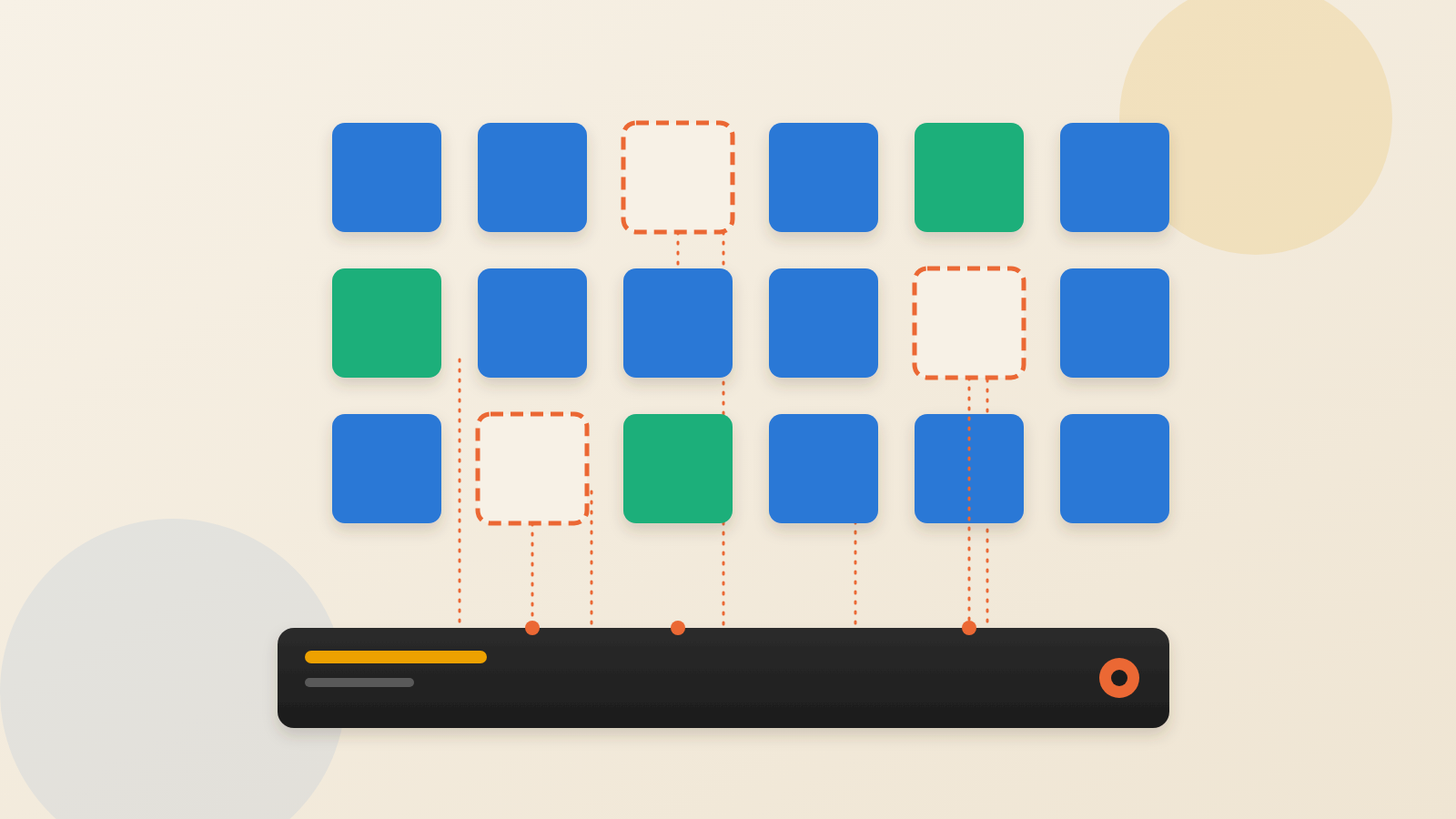
Profiles apply only when you bind them. If a key is not bound to a profile, the person holding it decides which profile to claim, by writing it into a header on the request. Anyone who steals such a key can therefore claim whichever profile gives the access they want. Bound keys reach only what their profile allows.
The demo stack also stores model request and response bodies in its Postgres database so the console can show them. Each is capped at 1 MiB. That stored text can include any prompt or source code an agent passes to a model.
There is a second store. With the analytics profile switched on, the stack also keeps model and MCP request and response bodies in ClickHouse, an analytics database. Tuskira says none of these bodies are printed to container logs.
Two settings turn body storage off. One covers model traffic and the other covers the capture store that also holds MCP bodies. Teams that disable only one may still be storing sensitive text.
For easy local testing, the sample Docker Compose setup lets the gateway reach the developer's own machine and loopback addresses, which point back to the same computer. Tuskira says to delete both allowances before sharing the stack with anyone. Outside those exceptions, the gateway rejects private and loopback destinations by default. Tuskira says the cloud metadata address stays blocked.
Maturity matters too. Tuskira labels the gateway pre-1.0 alpha, so APIs and config may change between minor versions. It runs on macOS and Linux. Windows through WSL2 is untested. A Helm chart for Kubernetes is planned, not shipped.
This is one vendor's tool, not evidence of a wider shift. It does show a sensible design choice. Put the permission check where the action happens, not where the agent is configured.
Questions to put to your team
Ask which agents in your company hold real credentials in local config files today. Ask who can list them. If you try a gateway like this one, ask whether every key is bound to a profile. An unbound key defeats the point.
Ask what the logs and databases will contain. If prompt, code and MCP bodies are stored, who can read them, and for how long? Check that both storage settings are set the way you intend. Ask whether an alpha tool belongs in production yet, or first in a contained pilot.
The old rule for contractors still holds. Give them a badge for the doors they need, and keep the master key at the front desk.
Produced by the WebPulse Newsroom with AI assistance from the original reporting credited below, and checked against that source by our editorial review. How we use AI.
Original reporting: Tuskira.