- GreyNoise found a campaign that hijacked at least 143 edge devices in 34 countries to install proxy software, and separately helped one organization spot a proxy-linked intrusion.
- Residential proxies let attackers sign in from home IP addresses in the expected location, which weakens checks built on location and hosting-provider reputation.
- Flag residential proxy IPs in sign-in logs, especially when several employees share one, and check device and browser details as well as location.
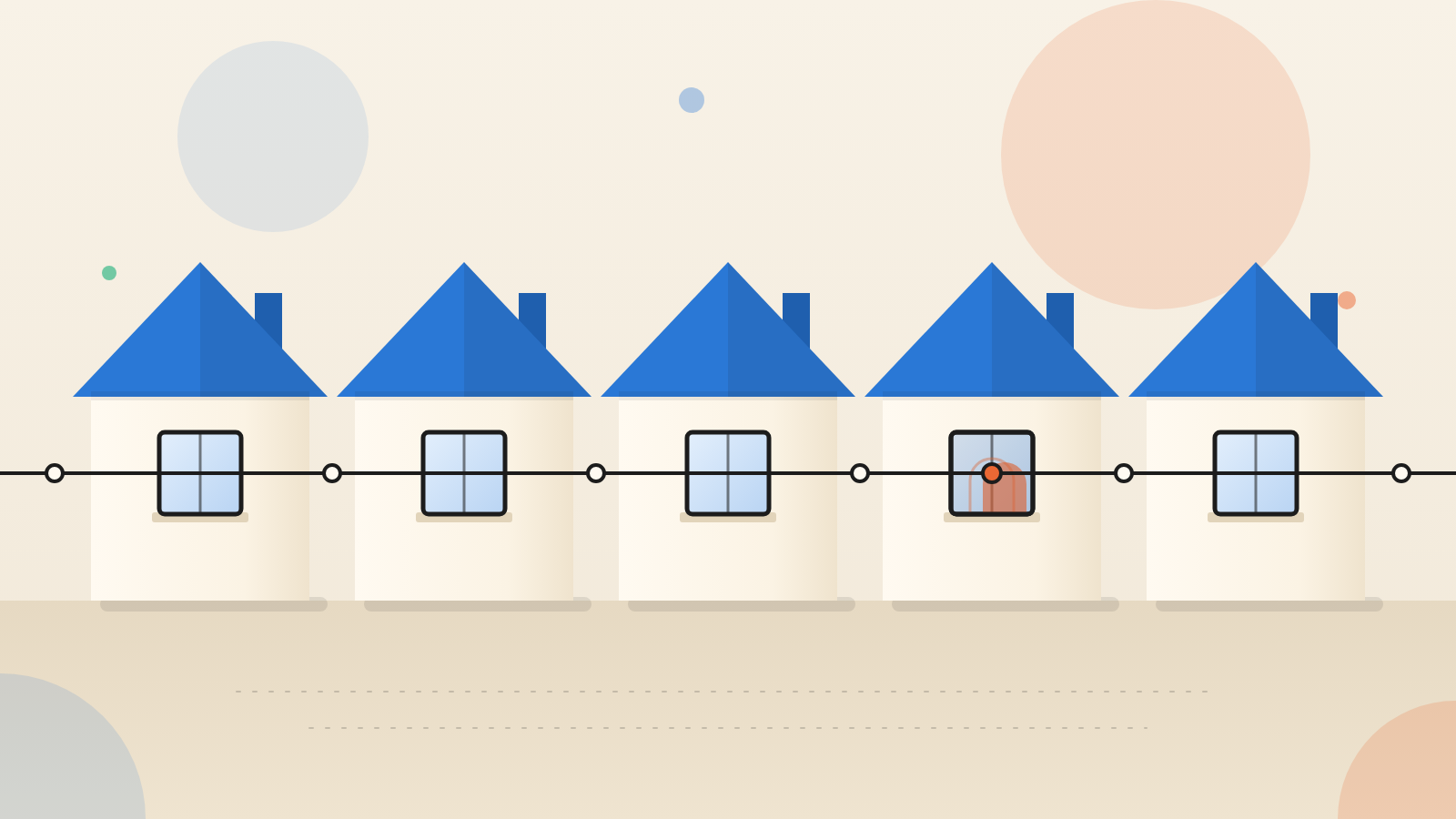
For years, defenders have read a login's location as a clue to who is signing in. Residential proxies weaken that clue. If an attacker's traffic exits from an ordinary home address in the right city, a rule that asks 'does this look foreign?' finds nothing. That is the lesson in GreyNoise research published October 15, 2026.
A sign-in that looked routine
During a GreyNoise product demo, an organization checked its Entra ID sign-in logs. It found addresses that GreyNoise labels as malicious. They looked like home connections. They also sat in a place that fit the organization and its users.
GreyNoise's working guess was that some device on those home networks was relaying traffic for others. The owners might not have known. The logins could even have been genuine. One address can carry a real user's sign-in and, at the same time, pass along an unrelated attacker's traffic.
More research showed the addresses were indeed residential proxies. That supported the guess. It did not show whether the organization had been breached.
The next finding did the work. Several users were signing in from the same residential address. GreyNoise says a set of unlikely conditions would have to be true for that to be innocent. The organization dug deeper and confirmed a real intrusion. GreyNoise will not share details of that case.
How a home connection becomes a relay
A residential proxy lets one person's traffic leave through another person's home internet address. Some owners agree to this. Intel 471 sums up the pitch as 'earn on your internet': install proxy software and get paid passive income.
Some proxy firms also sell toolkits to app makers. The developer earns money by reselling the user's bandwidth.
GreyNoise names Pawns.app as one firm in this trade. It is a direct partner of IPRoyal and supplies proxy nodes that are sold for many lawful uses. Its command-line versions take a username, password and device details when they start. That makes them simple to load onto a machine the installer does not own.
The software is not the problem by itself. When an owner opts in, it is a legitimate product. It becomes abuse when someone else installs it in secret. GreyNoise calls that act proxyjacking.
The campaign: edge devices turned into income
Separately, GreyNoise tracked one attacker running a proxyjacking campaign against network edge devices worldwide. The attacker broke in through software flaws. It then loaded Pawns.app so the attacker, not the owner, collected the income.
The attacker also appeared to go after digital and network video recorders, including Hikvision and Dahua models. In some cases it added an SSH key. That is a second, quiet way back into the device.
Keep the scope clear. GreyNoise treats the demo intrusion and the campaign as separate findings. It does not say one actor was behind both. It also does not say how the demo organization's residential proxy was set up.
Why familiar detection rules fall short
Many alerts rest on a habit of attackers. GreyNoise's example is a rule that flags users who sign in from a rented-server (VPS) provider's address. Attackers who use residential proxies slip past it.
They can also sidestep 'impossible travel' alerts. Those flag a sign-in from a place the user could not have reached in time. A proxy in the user's own region removes the clue. GreyNoise adds that intelligence services from other countries still use the technique.
The campaign also shows a quieter point. Video recorders and similar edge devices can be pulled into proxy networks without anyone deciding to join. This is our argument, not GreyNoise's: devices like these often sit outside the security team's view.
What to ask your team
GreyNoise recommends a few steps. Detect residential proxy addresses in authentication logs. Look closely when several employees sign in from the same one. Judge sessions on more than location. Compare device identifiers, session identifiers and User-Agent strings, the browser details sent with each request, for mismatches.
Three questions are worth putting to your team. Can our sign-in monitoring tell a residential proxy address from a real home address? Would we notice two employees sharing one home IP? Who owns patching for cameras, video recorders and other edge devices, at the office and at home?
GreyNoise also suggests teaching staff the risks of free apps and the need to patch personal devices. It offers a free check of whether an IP has touched its observation network.
A home address used to be a reasonable sign of a real person. It is now a weaker one.
Produced by the WebPulse Newsroom with AI assistance from the original reporting credited below, and checked against that source by our editorial review. How we use AI.
Original reporting: GreyNoise.