- A trustsig.eu researcher documents 186 techniques across 37+ JavaScript tools that let a deliberately crafted script run different logic after formatting or cleaning.
- The risk falls on analysts and AI agents who read a cleaned copy and assume it matches the original. The post reports demonstrations, not attacks in the wild.
- Teams should compare how the original and processed scripts behave, not only how the processed one reads.
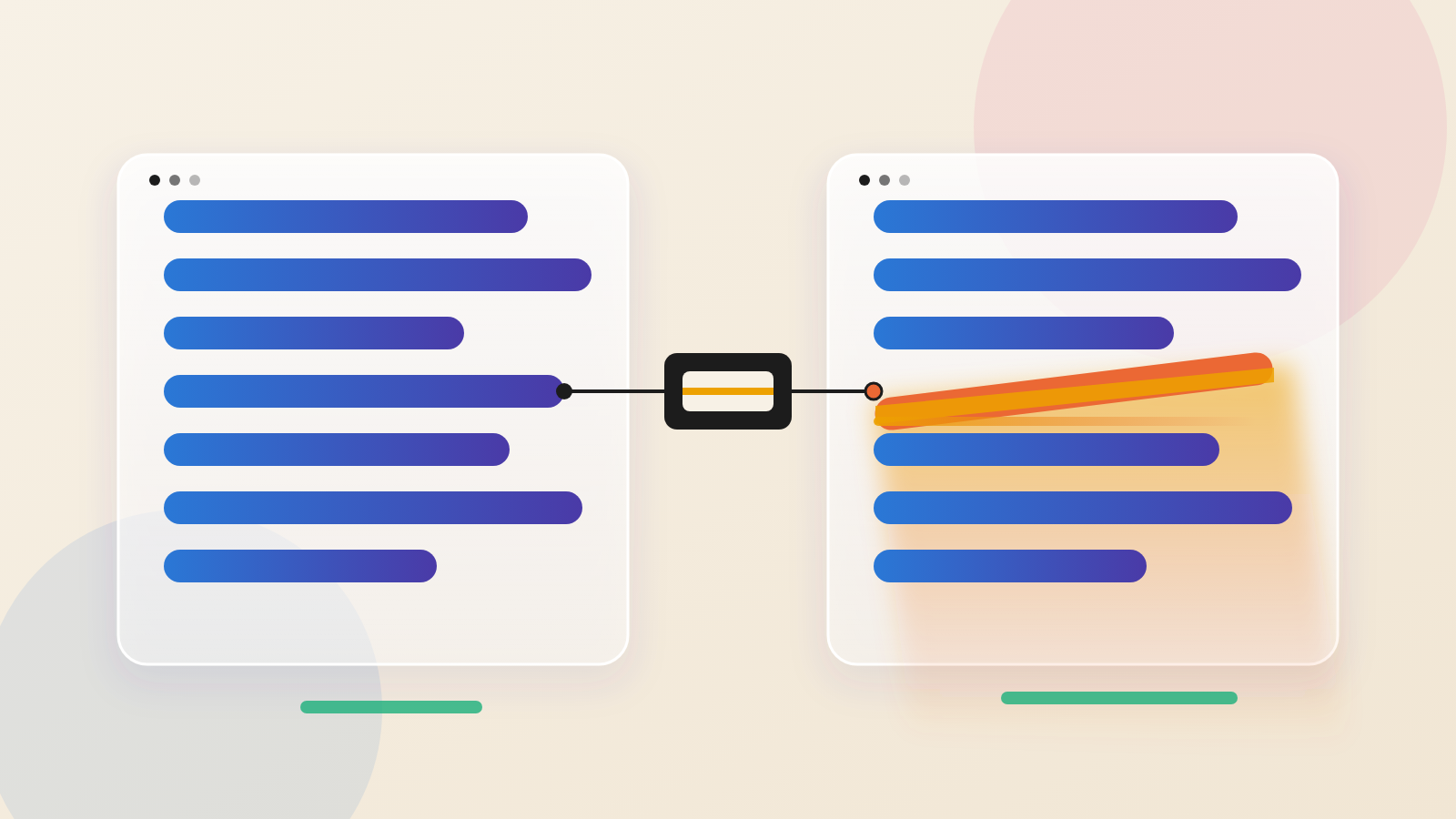
When a security analyst gets a suspicious script, the first step is routine. Make it readable. Run it through a formatter or a deobfuscator, then read the result. A researcher at trustsig.eu now argues that this habit rests on an assumption few people test: that the cleaned copy is the same program.
The lesson here is that making code readable is not a neutral act. It is a transformation. The tool doing it can be given a say in what you end up reading.
What the researcher found
In a post published October 16, the researcher describes a pattern they call "divergence". A script is written so that formatting, minifying or deobfuscating it produces different working logic. The researcher found 186 techniques across more than 37 JavaScript processors. These are tools that turn JavaScript into other JavaScript. The list includes prettier, esbuild, terser and WebCrack. It also includes the formatters built into Chromium and Firefox DevTools.
The showpiece is a script that plays Tetris. After it passes through the processing tools, it turns into one that plays Snake. The demo uses a small custom virtual machine, and the processed output feeds it different instructions.
How a formatter changes a program
Chromium DevTools is the simplest case. It uses a whitespace-only formatter. It copies every token from the original text and only adds spaces and line breaks. That design is among the safest ways to build a formatter.
The researcher found a gap anyway. The formatter has no rule for unary expressions, which are operators applied to a single value. It also never checks whether two punctuation marks end up side by side. So the code + +m, which does nothing, comes out as ++m, which adds one to m. In the example, a value that prints 0 prints 1 after formatting.
DevTools does not format every file. It switches on when a file looks minified, meaning an average of 80 or more characters per line. The researcher notes that one very long line, even a comment, is enough to trigger it.
Deobfuscators do more work, so they have more room to go wrong. WebCrack matches code patterns in a syntax tree and swaps in a tidier version. It checks what the code looks like, not what it does when it runs. It turns getConfig().ready || (getConfig().ready = true) into getConfig().ready ||= true. The first calls getConfig twice. The second calls it once. In the researcher's test, a call counter reads 2 before and 1 after.
Another tool, Restringer, works out an expression ahead of time and pastes in the result. In the researcher's case, the script defines its own atob function. Restringer still writes the text 'Goodbye, World!' in place of the call.
Six kinds, ranked by how much changes
The researcher sorts the effects into six types by how much code an author can alter. Rerouted and rewritten changes are low severity. Folded and stripped are medium. Pruned, where a branch is deleted, and erased, where a whole function is emptied, are high. Simple formatters tend to have simple flaws, the researcher says, while heavy deobfuscators have severe ones.
The altered program is meant as a decoy, not a block. If it crashed, the analyst would know something had changed. It runs well enough that nobody looks twice.
Who carries the risk
The post describes the people at risk as human and AI reverse engineers who read a cleaned copy and trust it. WebwPulse infers that this reaches malware analysts, fraud teams and anyone studying a script built to hide. The post does not name those groups.
The researcher says AI agents are especially exposed. Agents format large scripts to fit them into context, then check the result only by running the script to see whether it still works.
That is a claim about agent behaviour, not a measurement. It does fit a wider pattern. Automation speeds up the step people stopped questioning. An agent will format a thousand scripts without hesitation, and any false assumption in that step repeats a thousand times.
The technique also works for defenders. The researcher notes that anti-bot and anti-cheat systems depend on their client-side code being hard to copy. If someone reimplements a diverged script from the processed version, it can send a value the real script never would. A server can spot that and respond with delayed bans or monitoring.
Limits worth stating
The researcher covered only changes that produce controlled, working code. No single technique works on every tool. Many tools have several modes and settings, so a flaw does not trigger on every run. Flaws in shared libraries such as astring, swc and esbuild do carry over to the tools built on them.
The post shows demonstrations and a public playground. It does not report this being used against analysts in the wild. Every example requires a script written on purpose to exploit a tool bug.
What to ask your team
Ask how analysts confirm that a cleaned script matches the original. Reading the output is not enough. The more reliable check runs both versions in a sandbox and compares what they do, such as the values they send and the calls they make.
If your team uses AI agents to analyse scripts, ask what they verify after formatting. A second tool helps only if it shares no library with the first, because flaws in libraries such as astring, swc and esbuild carry over. Comparing behaviour is the stronger test. If you run bot or fraud defences, ask whether your vendor's client code could use this effect, and what your server does when it sees values the real script would not send.
A tidy script looks trustworthy. This research suggests the tidying itself deserves a second look.
Produced by the WebPulse Newsroom with AI assistance from the original reporting credited below, and checked against that source by our editorial review. How we use AI.
Original reporting: trustsig.eu.