- GitHub says enterprise administrators can now link Copilot activity to a user without collecting prompts, responses or tool content.
- Five content classes are separate switches, all off by default, and managed values override local settings.
- Leaders should decide what an audit needs, enable only those classes, and send the data to an approved endpoint.
Many audits of AI tools hit the same fork. Security wants to know who did something. Employees worry about what the company can read. A new GitHub setting suggests the two questions do not have to travel together.
On October 12, 2026, GitHub announced a change for enterprise administrators. Admins who manage Copilot centrally can now see which user was active. They do not have to collect that user's prompts, responses or tool content to do so.
What GitHub changed
The setting is called telemetry.capture.identity. It adds attributes to OpenTelemetry (OTel) data. OTel is an open format that software uses to report its activity to a central collector.
GitHub says the setting adds three attributes. Its changelog names two. The first is user.name, the signed-in Copilot account name, which is currently the GitHub login.
The other named attribute is process.user.name. It records the account the person uses on their own computer's operating system.
Identity capture is off by default. It is also separate from the pseudonymous user identifier that Copilot telemetry already had.
Mind the reach of this. The detailed content switches are not available everywhere. GitHub lists Copilot CLI, the GitHub Copilot app, and VS Code when it runs through Agent Host. Its note names no other Copilot surfaces.
Five switches for content
Administrators can also control five content classes, each on its own. The prompts class holds user, system and developer prompts, plus supported input context. The responses class holds the assistant's replies and supported reasoning content.
The toolArguments class holds what an agent was told to run. That means raw arguments, commands and tool definitions. It also covers the names of tools, MCP servers, plugins and hooks.
The toolOutput class holds tool results and details of execution errors. The policyDetail class holds unprocessed rule details, such as the file paths a sandbox allows.
Every one of these classes is off by default. When a company sets a value centrally, a developer's local settings, SDK configuration or environment variables do not change it. In practice, the company's choice outranks the individual developer's.
Why the split matters
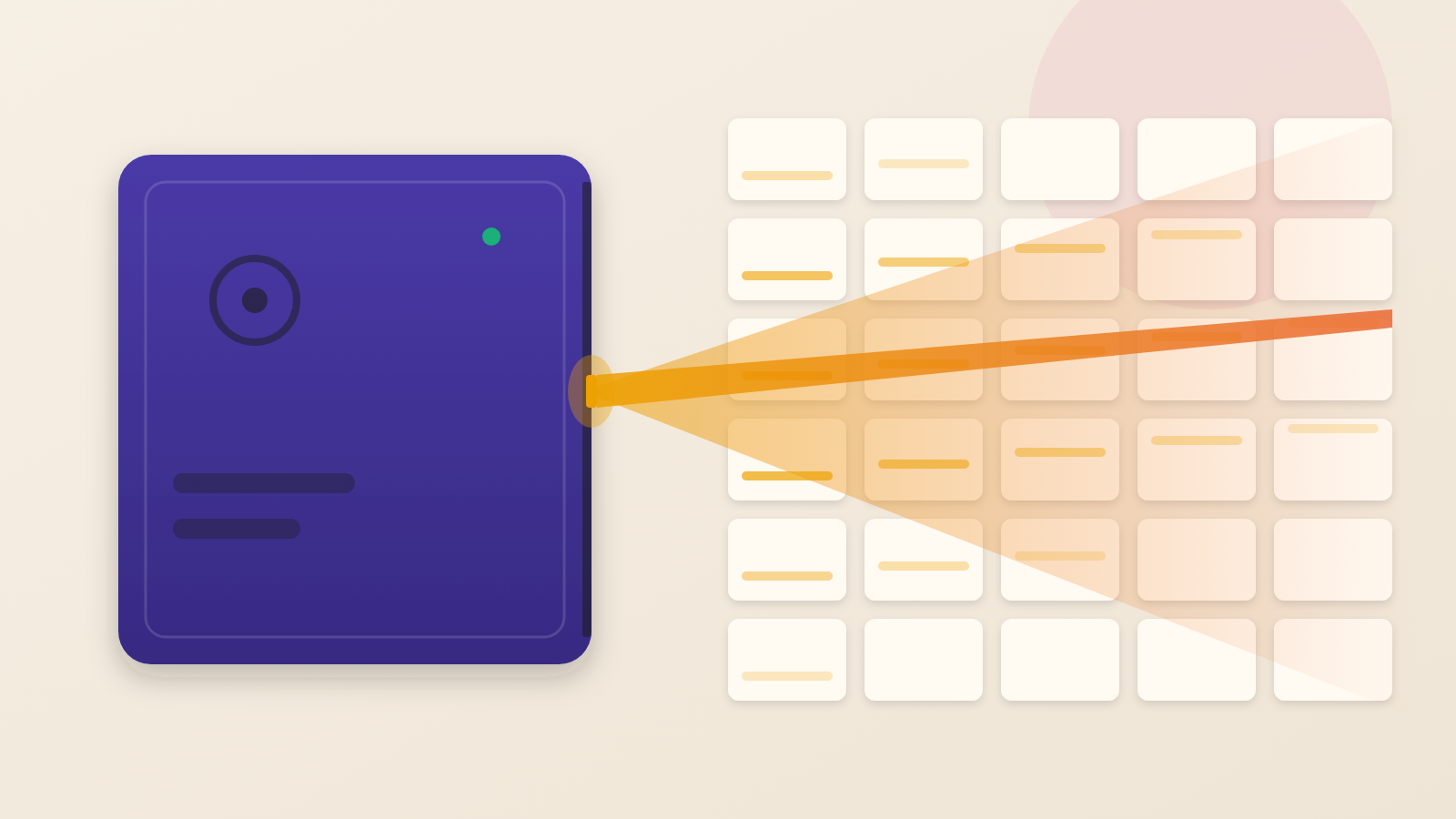
The lesson here is that identity and content are different kinds of evidence. They carry different risk. Think of a phone bill versus a recorded call. The bill shows who called whom and when. The recording shows what was said. Many investigations start with the bill.
AI coding agents make the recording unusually sensitive. GitHub cautions that capturing prompts, tool data or policy details can sweep in source code, file contents, commands and tool results. It can also capture folder paths tied to a workspace or user profile.
Collecting all of that builds a second store of company secrets inside the monitoring system. That store then needs its own protection.
The people affected are ordinary. A developer asks an agent to debug a file. A contractor runs a command. Under the new model, the company can know which account did this. It does not have to keep the file, the command or the output.
GitHub also keeps its older captureContent setting. It now works as a shortcut that switches all five content classes together. GitHub says it never turns on identity. So one switch cannot enable both by accident.
What the changelog does not say
The announcement is a settings reference, not a study. It does not say how many organisations will use the controls. It does not say how long collected data should be kept or who should see it. Those choices are left to the customer.
GitHub's advice is to enable only the classes your audit use case requires. That wording leaves room for cases where identity alone is not enough.
Questions to put to your team
Start with purpose. Which question are we trying to answer: who used Copilot, or what was it asked to do? If the answer is the first, identity capture may be enough.
Then ask where the data goes. GitHub says to send captured content to an approved collection endpoint. Confirm that your security team has approved that endpoint. Check that its access controls fit the sensitivity of source code.
Finally, check the defaults. Everything is off until someone turns it on. Ask who can change managed settings, and who is told when they change.
A good audit trail is not the biggest one. It answers the question you actually have. It holds no more of your employees' work than it needs to.
Produced by the WebPulse Newsroom with AI assistance from the original reporting credited below, and checked against that source by our editorial review. How we use AI.
Original reporting: GitHub.