- In a Sola Security study, one AI agent changed the grade of 75.1% of 9,967 HIGH cloud findings from two platforms, mostly downward. The new grades were not validated.
- Each vendor rule in the study gave one fixed severity to every case, so a queue sorted by severity reflects the general case, not your systems.
- The study measured reading findings, not acting on them. Ask vendors for evidence trails and incident outcomes before letting automation change anything.
A rule's author sets a severity label once, for every environment the rule will ever meet. A new study from Sola Security asks how often that label and an environment-aware reading disagree. It does not say which one is right. The agent's new grades were not validated.
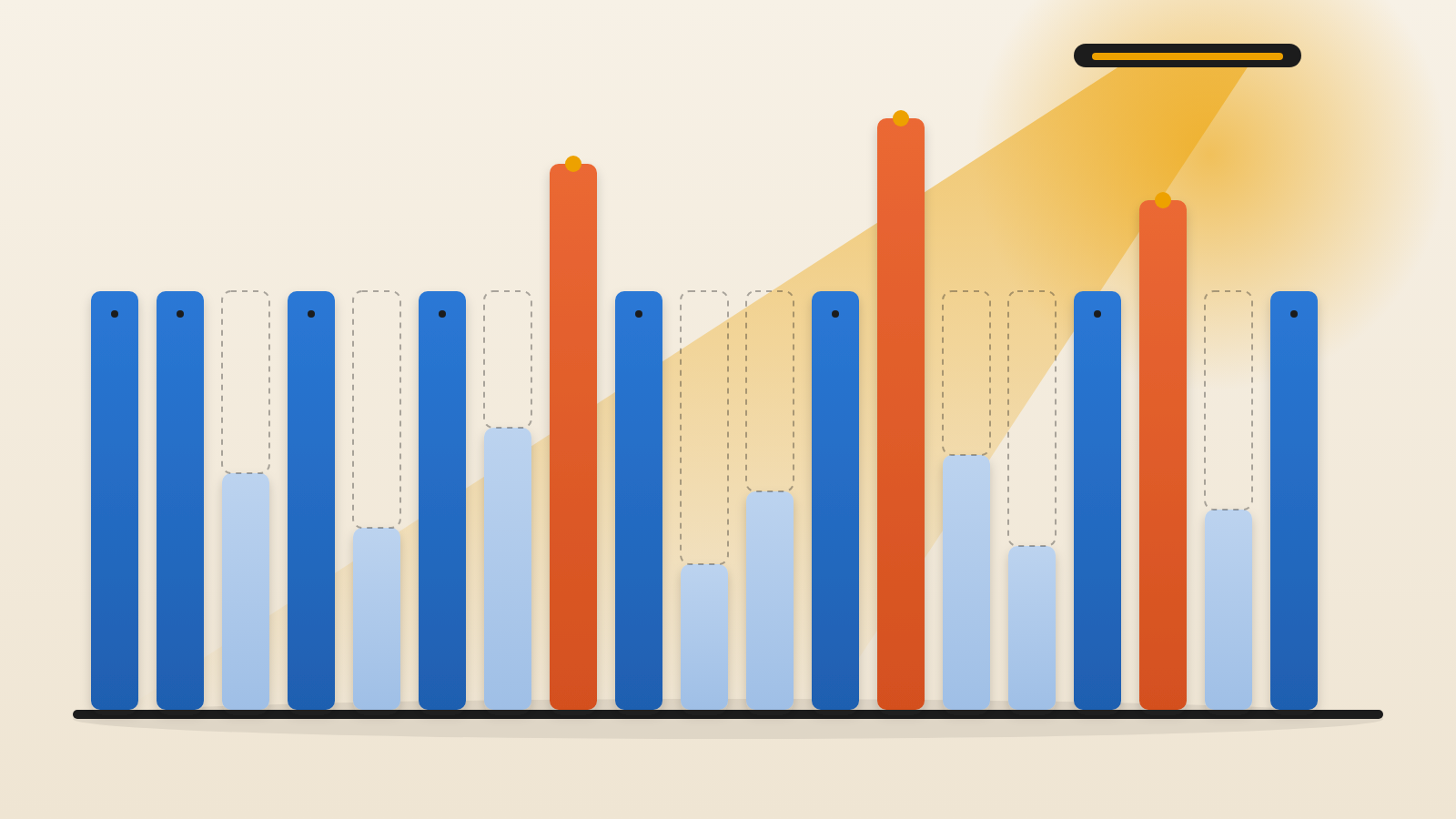
Sola Security's Leon Goldberg and Gal Engelberg tested an AI agent that second-guesses the ratings on alerts from outside cloud security tools. Their sample was 9,967 HIGH findings from two commercial products, drawn from eight live company environments. Help Net Security reported the results. In three of every four cases (75.1%) the agent disagreed with the vendor's grade. It lowered 58.5% and raised 16.6%.
Why one fixed label cannot see context
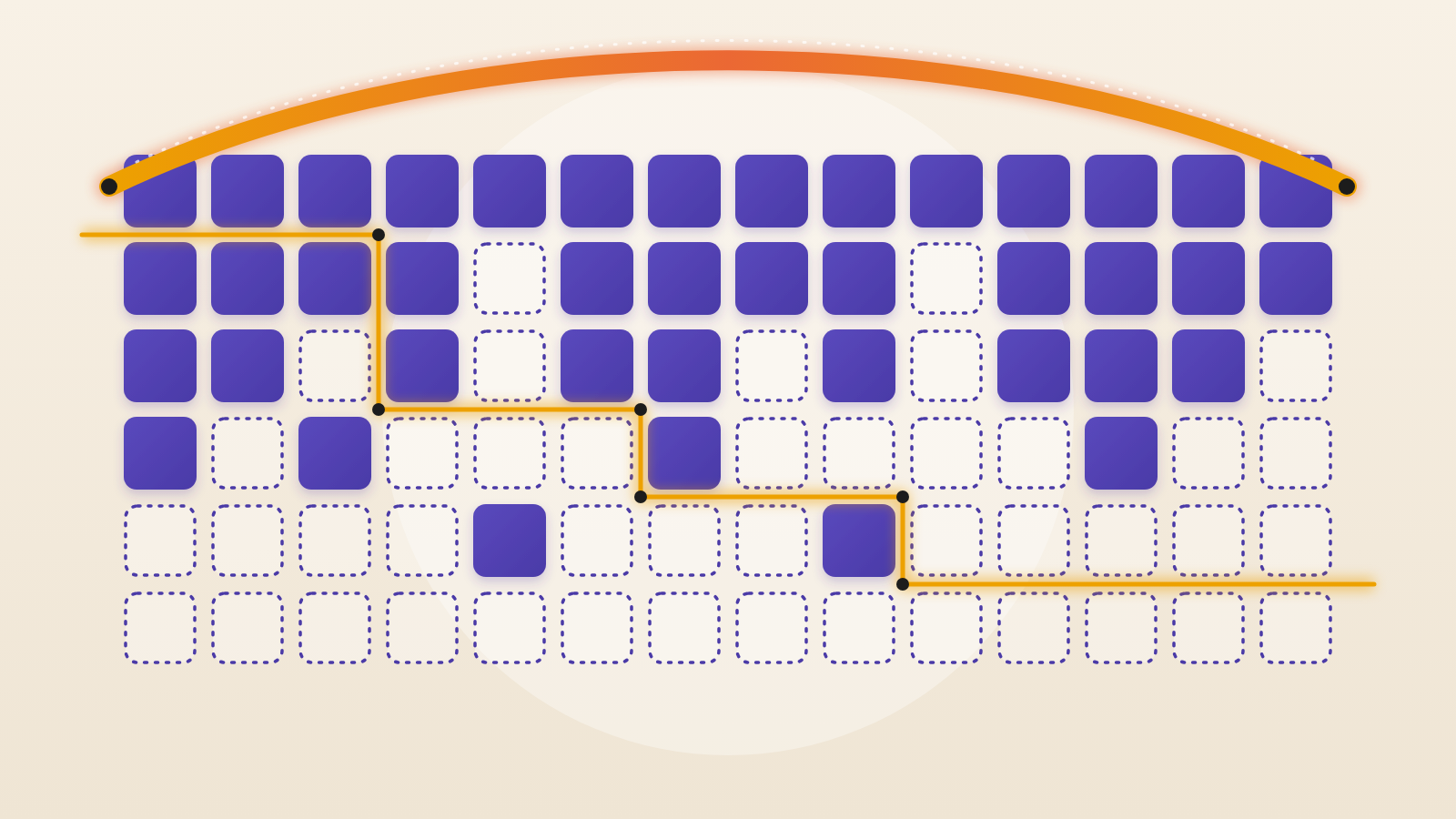
Across 99,073 failing findings, each of the 599 vendor rules attached the same single severity every time. The resource and the environment played no part. In the researchers' words, a queue ordered this way "is ordered by the general case."
Think of an inspector who gives every missing fire door the same top priority, including one in a room that has been bricked off. The rule is sound. The priority simply ignores what that building looks like.
The people who feel this are the ones working the queue from the top. An hour spent on a finding with no route to it is an hour not spent on one that has a route.
How the agent checks a finding
For each finding, the agent first sketches how an attacker might exploit the problem. It then gathers evidence from the resource's own settings, from the resources linked to it, and from data held by other security products.
Its evidence rules are deliberately uneven. Raising a grade demands more proof than lowering one. A downgrade needed the agent to see something in the environment that blunts the particular route an attacker would use. An upgrade needed evidence that the condition was worse in that setting, plus a check for firewalls, allowlists or similar guardrails in the way. Anything else kept the vendor's grade.
Where the deciding facts could be looked up through cloud provider interfaces, the findings fell into six repeating groups. The largest was inert resources, meaning ones attached to nothing or abandoned.
Other reasons for a lower grade were no route from the internet, no live service behind the resource, tight limits on who can connect, and blocks set at account level. Where the environment confirmed public exposure, the agent mostly raised the grade.
The same rule can point both ways
The agent moved findings from 62 of 138 rules in both directions. For 57 of those rules, this happened inside a single environment. In one example, a network access rule drew a lower grade where the group only sat in front of internal load balancers. It drew a higher grade where the environment showed a route in from the internet.
This is the central idea. Severity depends on the rule and the setting together. Established frameworks anticipate the gap. CVSS lets users adjust a base score through environmental metrics, and NIST risk guidance links likelihood to the controls already in place. The researchers say a static severity "leaves that place empty."
Good context also comes from beyond the flagged resource. About half of the verdicts (49.0%) relied on connected resources or another product's data. Clearing a finding takes proof that no route leads to the flaw, and that proof often sits in neighbouring systems.
What the study does and does not show
The team checked the agent's claims by reading settings straight from eight AWS accounts, using read-only access. Where those checks could settle a verdict, the live environment matched the agent's facts 99.4% of the time. Counting every finding the checks could not reach as a miss, the figure fell to 81.8%.
These checks tested the facts behind each verdict. They did not test whether the new grade was right. No incident records were used, so the study cannot show whether upgraded findings were attacked more often than the vendor grade implied. The team also did not count the relevant facts the agent overlooked.
The scope is narrow. This is one agent, run on the HIGH queue of two products. AWS accounted for 92% of the re-graded findings. Live checks reached just one cloud platform and five resource types. MEDIUM and LOW findings were left out.
The authors separate reading from acting. They say the two differ in how far damage can spread, whether it can be undone, and who must approve it. Their own summary is that "this study measures reading only."
Questions to put to your security team
First, ask what share of your top-ranked findings sit on resources that are orphaned, internal-only or behind account-level blocks. Even a small sample would show how closely your queue follows real exposure.
Second, ask whether any tool in your stack adjusts severity using your environment, and what evidence it shows for each change. A grade with no evidence trail cannot be audited.
Third, if you are evaluating AI triage, ask for its evidence rules. Does raising a grade demand more proof than lowering one? Are its facts checked against the live account? Ask for incident outcomes too, because this study has none.
Finally, treat reading and acting as separate decisions. Letting an agent re-rank a queue is one choice. Letting it change systems is another, with different authorization and a different cost of error.
A severity label tells you what a condition could mean anywhere. Your queue needs to know what it means here.
Produced by the WebPulse Newsroom with AI assistance from the original reporting credited below, and checked against that source by our editorial review. How we use AI.
Original reporting: Help Net Security.