- Mainbrella's agent-assisted audit of 139 local entries (138 published Appflare apps plus one local Mainbrella entry) flagged two apps, rdyrct and 888wiki, for sending private data out.
- Running an app in your own Cloudflare account does not stop its browser code from sending reset tokens, note paths or files elsewhere. The author found no proof of malicious intent.
- Inventory the outside hosts each third-party app contacts, and pin reviewed versions.
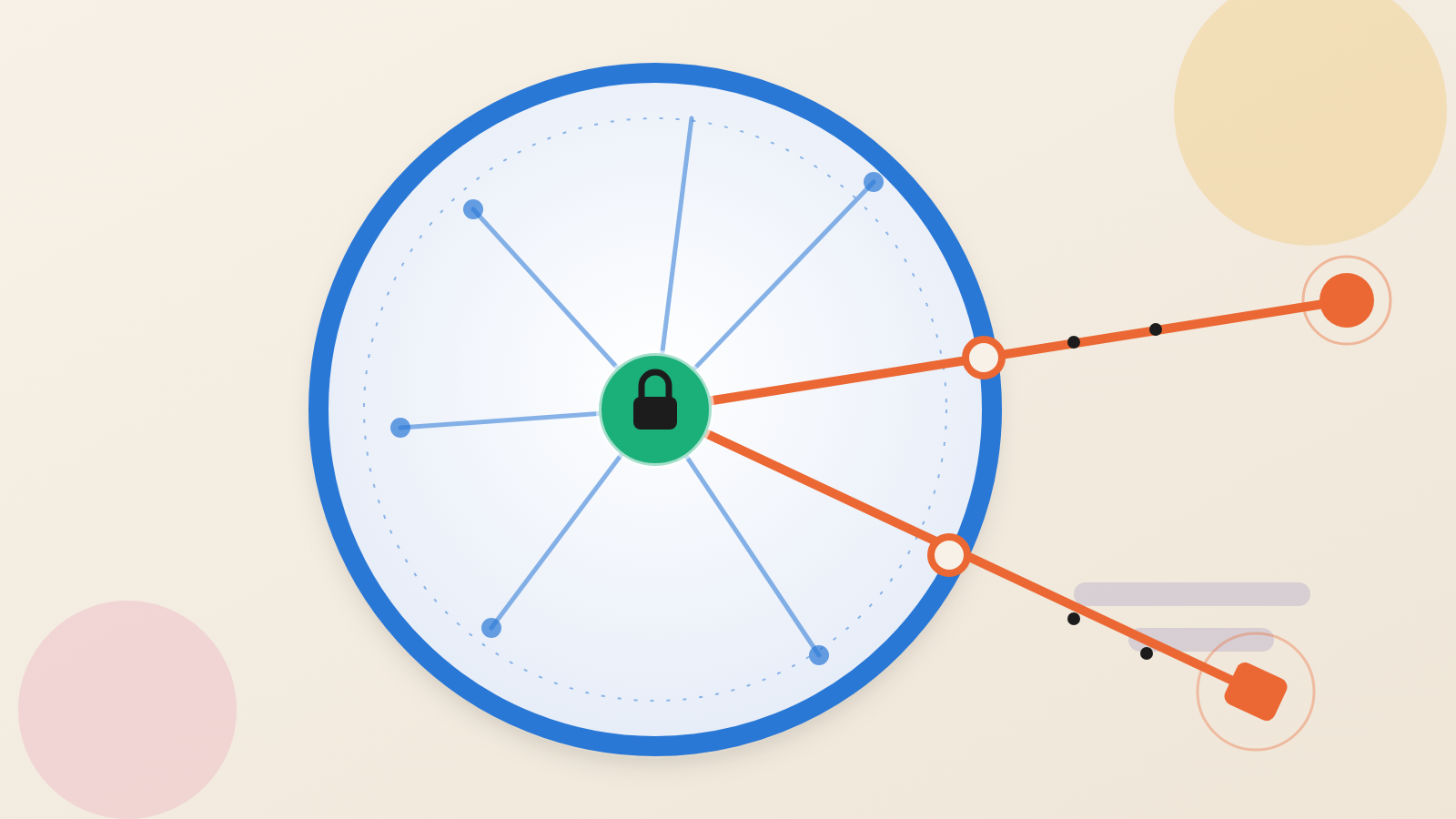
Running software in your own cloud account tells you where the server sits. It does not tell you where the data goes. A new audit of Appflare, an app catalog for Cloudflare accounts, shows how big that gap can be.
Appflare comes from an independent open-source project, not from Cloudflare itself. It installs apps such as a wiki or a link shortener into your account. The author of the Mainbrella post set Codex, an AI coding agent, loose on the catalog with one narrow question: is any code here doing work a user would never expect? The brief covered credential theft, hidden data collection, backdoors and unrelated account changes.
Two apps, rdyrct and 888wiki, drew findings: private data going to outside servers, and files stored off-site. The author states that this does not establish that anyone planted malware.
A reset link sent to an analytics service
Take rdyrct 1.0.0, a link shortener. Its page markup pulls in a hard-wired tracking script from stats.brnr.dev. According to the review, that script operates outside the app's PostHog consent flow. When a page opens, the script posts the page path and query string to its collector.
The password-reset page carries its token in the query string, as ?token=. So the token travels to the collector as soon as the page loads, while it is still usable. The author tested this in a mock browser with synthetic data. No real token was used, and no account was taken over.
The risk is a race against the clock. A person with access to the data the collector stores could attempt a reset while the link still works. Invitation links carry tokens too and go through the same script. Turning off PostHog would not remove it.
Private notes and files heading upstream
The second app, 888wiki, is a notebook with several editors. The audited build, version 0.0.0-20261013.b9ed1c1, ships with an analytics script from flow.aiurl.tw switched on by default. The reviewer's reproduction showed it sending a note's path, title, query string and fragment.
That matters because of how the app opens notes. For an unprotected note, the path alone opens the editor. Password-protected notes keep their check, but their titles and locations still leak. The author found no password bypass.
Uploads were a separate problem. In the block editor, images go to the app's own endpoint. Anything that is not an image goes out as a form upload to box.david888.com. Two more outside hosts stand by as backups. In the test, a synthetic PDF was sent whole. No real document reached the live service.
Why a catalog check would miss this
The lesson here is that owning the server is not the same as owning the data path. The browser is the courier. An app can run on your resources and still tell your users' browsers to report to someone else.
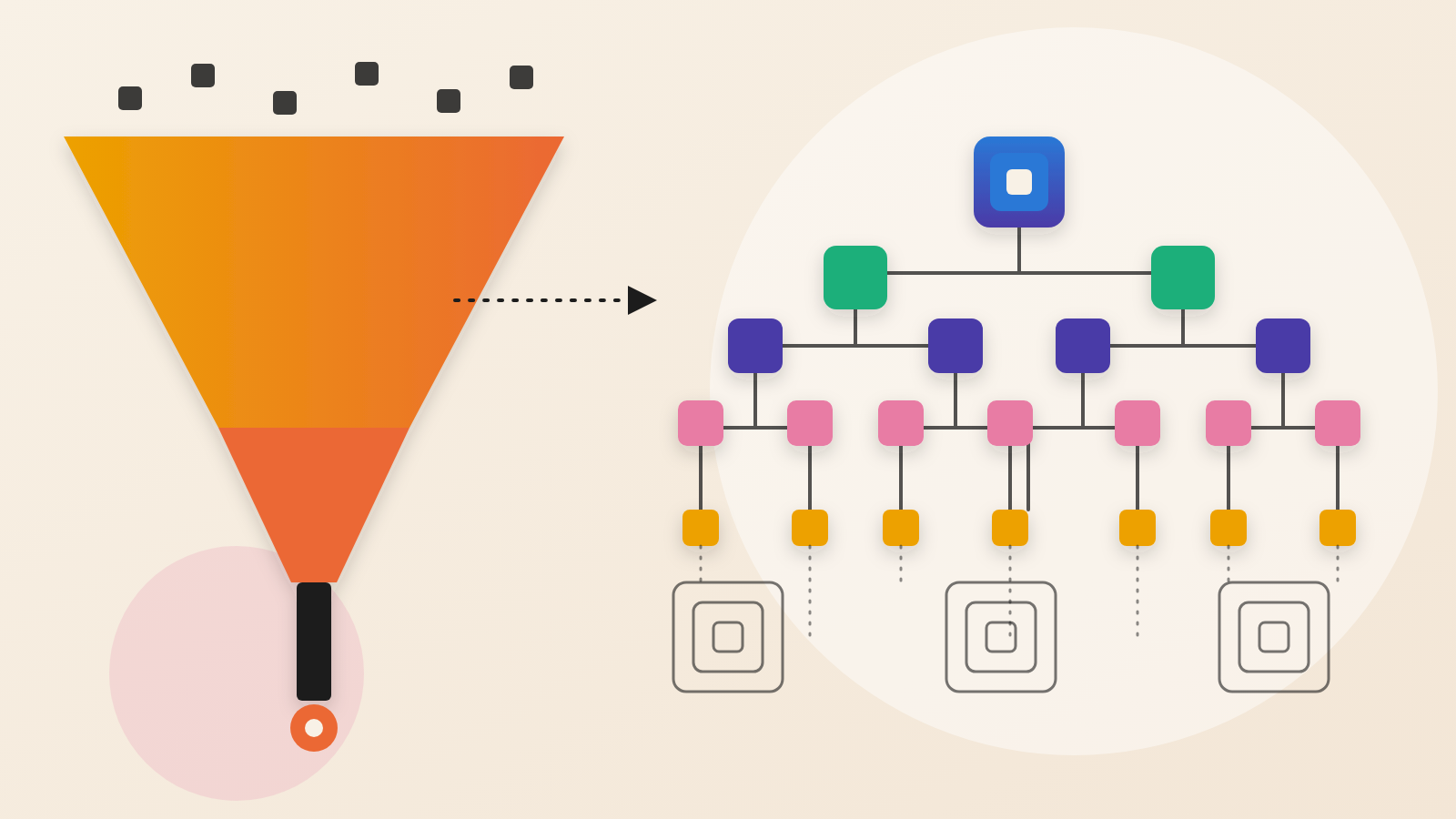
The reviewers also found that the catalog itself does not hold the apps. It is really a list of pointers. Each one names an outside code repository and a fixed commit in it. Reading the catalog file shows what the installer asks for, not what the installed software does. So the agents fetched the exact commits and inspected build hooks, login paths, scheduled work and outbound requests.
The audit also downloaded every release bundle named in its index snapshot. All 138 manifest digests matched the index. The files listed in those manifests also matched their recorded sizes and SHA-256 hashes. This was a bookkeeping step. It ties the review to the exact files being distributed. It does not show those files are safe.
The review also showed restraint, which is worth copying. ImgBed has an upstream Sentry error-reporting path that copies request headers. The catalog disables it by default and warns about it, so the author did not treat it as a leak. Many other outbound calls were user-configured integrations or disclosed telemetry. The author notes that counting every fetch() as exfiltration would have produced nonsense.
What the audit does not show
The limits are stated plainly. There was no independent signature check or reproducible rebuild. The agents used static searches and focused code review, not a sandbox running every app. Dependencies were not independently audited.
The review found no obvious miner, hidden administrator, payment diversion or unrelated account-changing code in the paths it examined. That does not clear the other apps. The author also has not established that anyone used the leaked values.
Questions to put to your team
Ask which third-party apps run in your cloud accounts, and who has read their source. Ask for a list of every outside host each app contacts from the browser. Check whether any page puts a token, invitation or private path in its web address, since analytics scripts see those addresses.
Where you run these apps, pin the version you reviewed. The remote trackers can change after review, as the author notes. A fingerprint recorded for them describes only what was downloaded on audit day.
Hosting in your own account is a good start. The data boundary is what the code does with each request.
Produced by the WebPulse Newsroom with AI assistance from the original reporting credited below, and checked against that source by our editorial review. How we use AI.
Original reporting: mainbrella.com.