- Supabase describes how a preview branch gets its settings, schema and functions, with a median setup time of about 20 seconds.
- The design choices matter: step order protects backups, each migration file runs as one transaction, and warnings do not always stop a branch.
- Ask your team which settings test copies inherit, who can override them, and whether warnings get reviewed.
A test copy of your database is not a photocopy. It is a series of decisions: what to carry over, what to leave behind, in what order, and what to do when a step breaks. Supabase published an account of those decisions for its preview branches on October 15. It is a useful checklist for any team that clones production for testing.
What Supabase says happens
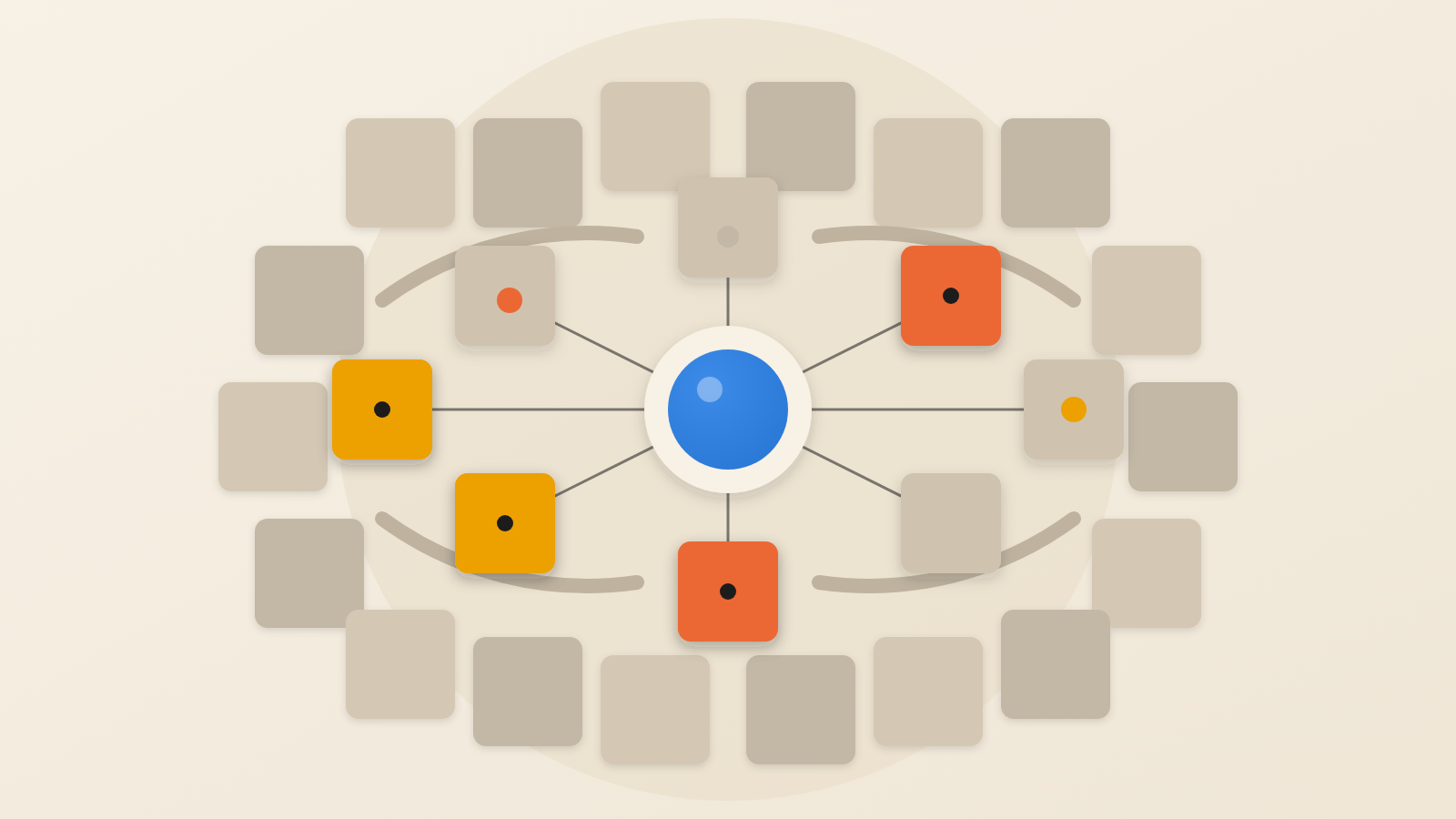
Supabase says each branch is its own project. Three things must land on it before it is usable: settings, database schema and edge functions. Edge functions are small programs that run on the provider's servers. Supabase says the three run mostly in parallel. The median branch is ready in about 20 seconds.
Where a branch gets its inputs depends on whether it is linked to a git branch. A linked branch reads settings, migrations and functions from your code repository. An unlinked branch, created from the dashboard or the command line, takes its schema and functions from the main project.
What is copied, and what is not
A new branch starts with the main project's settings. Supabase lists its Postgres settings, connection pooler settings, and its Auth, Data API, Realtime and Storage configuration. SSL enforcement and network restrictions come across when the main project has them.
Auth secrets do not carry over. That is a sensible default for a test environment. It is also a fact a security lead should confirm for every copied setting.
A repo-connected branch adds a second rule. The repo's config.toml file is applied on top of the copied settings, so the repo wins. The source of truth for a branch's security posture can therefore sit in a file, not in the console.
Why the order of steps matters
Some Postgres settings only apply after a restart, and restarts are slow. Supabase writes the settings to disk first, then restarts once when it turns on backups. If SSL enforcement is required, it is applied before the first backup. The concern is that a backup interrupted by a restart could not be used to recover data.
Migrations, the scripts that build the schema, follow the same logic. For a branch with no git link, Supabase starts them only after the last Postgres restart, since a restart mid-migration would drop the connection.
This is the lesson of the story. A reliable environment comes from sequencing, not speed. Each fast step is safe only because something slower was done first.
How migrations are kept all-or-nothing
Supabase splits each migration file into statements. It then sends the whole file, plus a record for the history table, to Postgres as one transaction. Either the entire file takes effect and is logged, or none of it does. The aim is a schema that is never left half-changed.
Splitting SQL correctly is harder than it sounds, because a semicolon does not always end a statement. Supabase says its splitter aims to match the behaviour of psql, Postgres's own command-line tool, and was tested against PG 16.
These are Supabase's own test figures. WebPulse has not verified them independently.
What failure looks like
Supabase says most failures resolve on their own, because setup jobs retry before giving up. SSL enforcement, network restrictions and pooler registration retry without failing the branch.
Supabase labels each step as running, exited, paused or dead. When a step is marked dead, it holds back everything that depends on it. If migration fails, seeding and function deployment are not run.
A paused step is different. It completed with a warning, or was skipped on purpose, and the steps after it carry on.
Two details deserve attention. A failed health check is treated as a warning, not a failure. And if a repo has a functions directory but declares none in config.toml, deploy warns and ships nothing. In both cases the branch can look finished while something is missing.
Questions to put to your team
These apply whether you use Supabase or another platform.
First, which settings and secrets do our test copies inherit, and which are left out on purpose? Second, who owns the file that overrides them? Third, do we treat warnings on a new environment as work to review, or as noise? Fourth, are our migrations applied as a unit, so a failure leaves a clean state?
A test environment earns trust the way a good airline checklist does: by fixing the order of steps so that nobody has to remember it. Ask your team to show you the order.
Produced by the WebPulse Newsroom with AI assistance from the original reporting credited below, and checked against that source by our editorial review. How we use AI.
Original reporting: Supabase.