- Huntress reports attackers use passkeys as phishing bait and abuse other sign-in flows, without breaking passkey cryptography.
- A passkey protects one login event. Enrollment, recovery, endpoints and device-code flows decide whether an account stays safe.
- Ask five questions before rollout: enrollment, recovery proof, endpoint management, employee reporting, and detection after a successful sign-in.
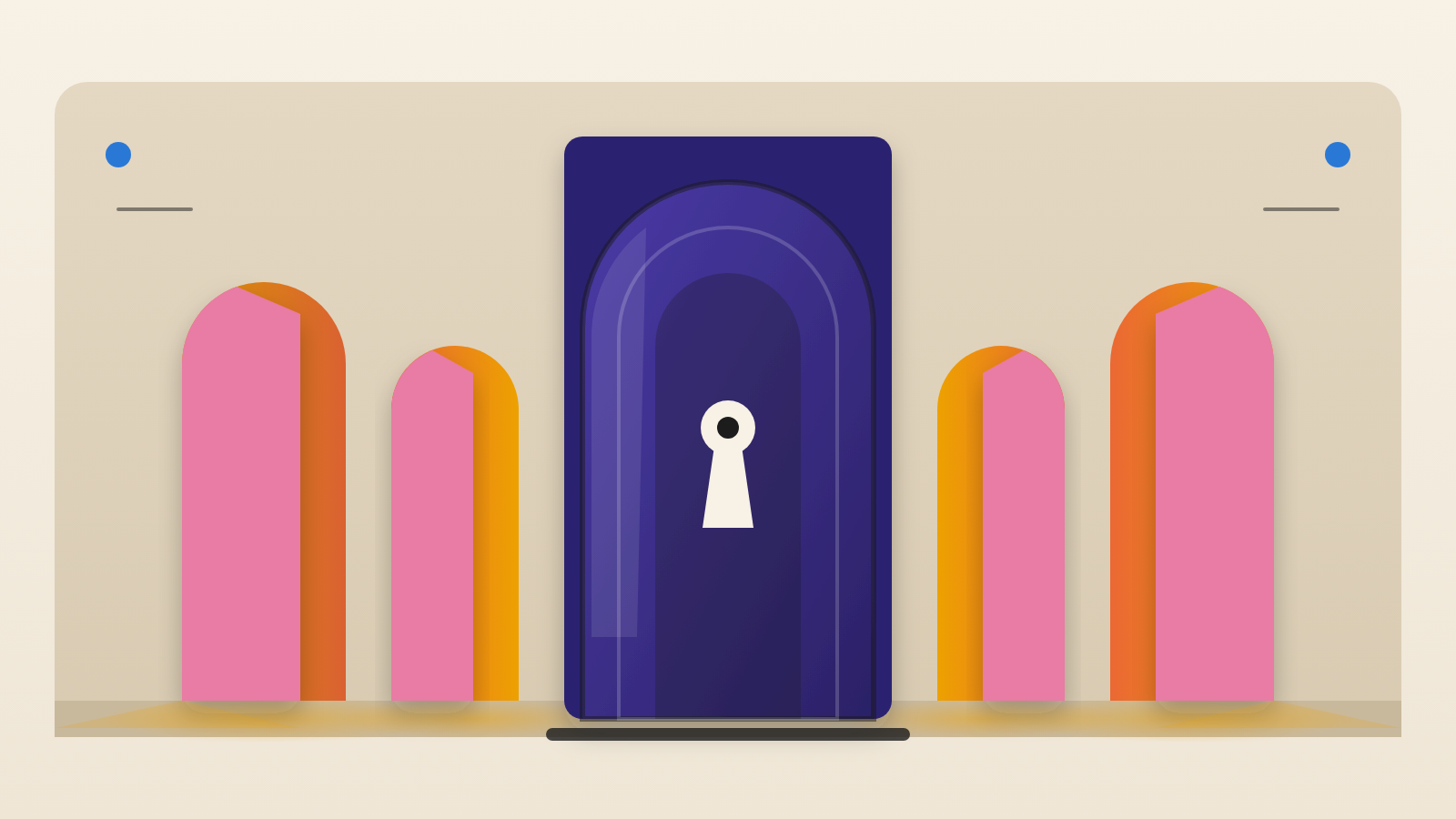
A strong lock does not make a safe building. It makes the other doors more interesting. Security firm Huntress describes attackers doing this around passkeys. A passkey replaces a password with a cryptographic key held on a device. It is a real improvement. But the attackers Huntress describes are not trying to break it. They look for the next door that still opens.
The passkey is the bait, not the target
Huntress calls the technique passkey-themed phishing. A fake message from IT asks staff to refresh or create a passkey. The real aim is to move the employee onto a different sign-in route. That route is one the attacker can abuse. The passkey itself is never defeated.
Huntress also cites an incident that Microsoft researchers examined. The passkey was only the lure. Microsoft found the attackers got in through other sign-in routes. In one documented attack sequence, the multi-factor authentication (MFA) in use was not phishing-resistant.
How a session gets stolen without a password
Huntress researchers tracked a separate device-code phishing campaign called EvilTokens. It reached 344 organizations in five countries in about 16 days. It abused device code sign-in. Think of pairing a TV app. The TV shows a code, and you approve it on your phone.
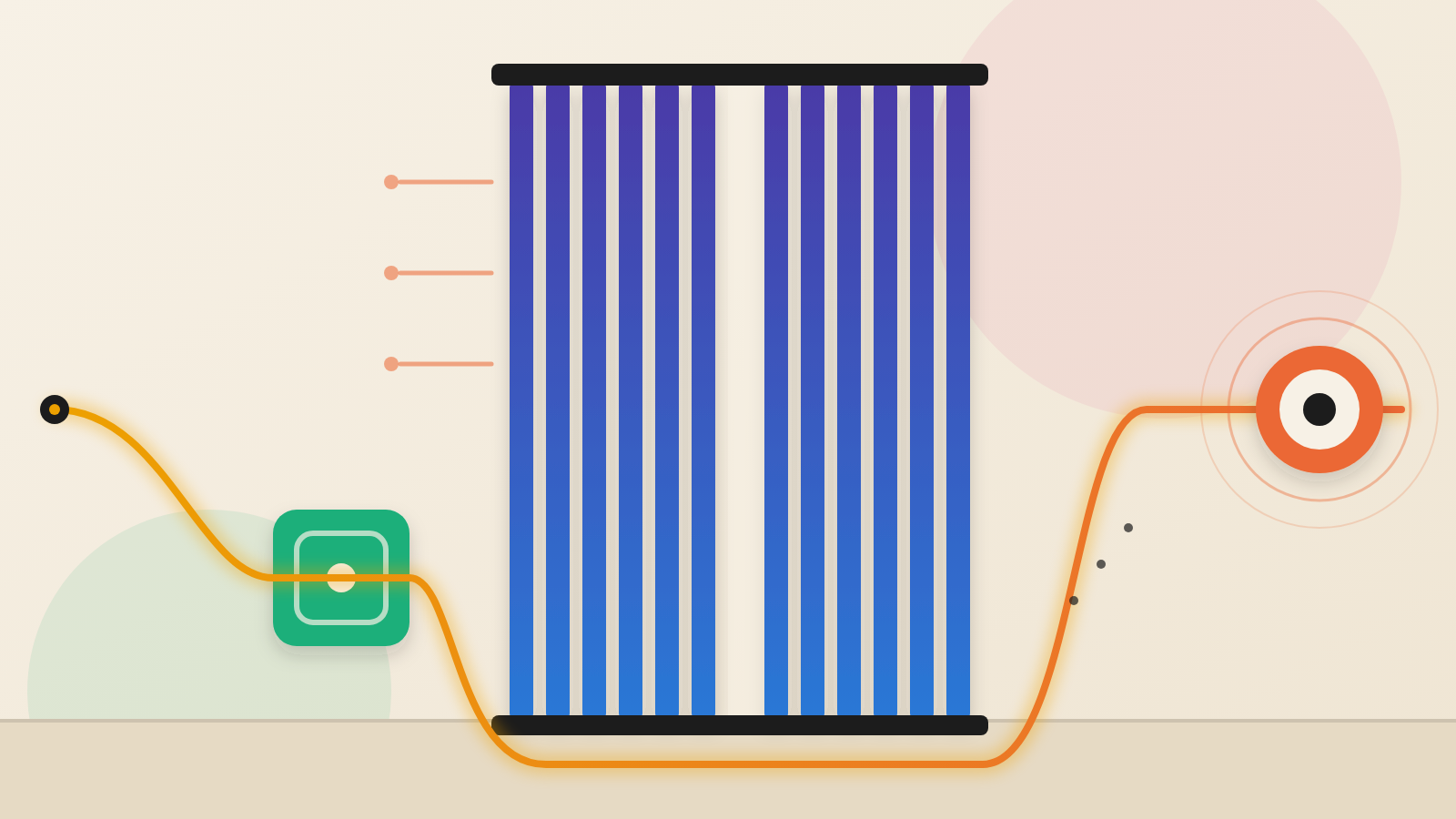
Here is how the attack works. The attacker starts a device-code request. Then they email the victim a convincing message. The victim goes to a genuine Microsoft page and types in the code. They pass MFA as normal. The attacker's own client now holds a valid session. No password is stolen and no malware is needed.
Huntress describes EvilTokens as a ready-made phishing kit sold as a service. Its lures were written by AI to fit each victim's role. Huntress says this means the pattern can scale. That is the AI risk multiplier in plain view. Tailoring a lure to a job title no longer seems to need a person's time for each target.
Three more areas Huntress says to check
The first is enrollment and recovery. An attacker can add a new credential. Or they can push through a weak recovery process. Either way, the original passkey is never touched. Huntress puts it as a test. Before anyone adds an authenticator, swaps a lost key or resets MFA, what verification do you demand?
The second is the endpoint, meaning the laptop or phone doing the sign-in. Huntress points to SpecterOps research on tampering with how Windows handles WebAuthn sign-ins. Some techniques hook the browser. They can read authentication responses or change the challenge. These attacks need code running on the device, or a foothold in the sign-in process. That makes them a different threat from a fake website. The private key is never extracted. The attacker targets the environment around it.
The third is where passkeys are stored. This is a dependency, not an attack route Huntress says it has seen used. With synced passkeys, the key sits in a cloud-linked account, such as a built-in keychain or a password manager. It appears on each of the user's devices. Huntress notes that the account handling storage, syncing and recovery then becomes part of your security perimeter. A device-bound passkey is tied to one piece of hardware, such as a security key, and stays put. That cuts the reliance on sync accounts. It adds work for your team: handing out keys, holding spares and replacing lost ones.
What this means for the people paying for it
The lesson is about where to look after an incident. A passkey-themed phish does not mean passkeys failed. Huntress advises tracing which sign-in method and policy actually let the attacker in. That is where the repair belongs. A team that blames the passkey may fix the wrong thing.
A rollout is not finished when the passkeys are issued. How much protection you get depends on the controls around them. That means how people enroll, how they recover accounts, how endpoints are protected and what is monitored. A passkey secures one event, the sign-in. It does not show whether the session, the device or later activity is legitimate.
Keep the limits in mind. The post is from a security firm, and it argues for combining identity, endpoint and training controls. It relays Microsoft and SpecterOps findings second-hand. It reports no broken passkey cryptography. Treat it as a map of gaps. It does not measure how often they are exploited.
Five questions to put to your team before rollout
Huntress lists five questions. Here they are in our words. First, through what trusted channel will people set up their first passkey? Second, what must someone prove before an account is recovered or a lost key is replaced? Third, who manages and watches the laptops and phones used to sign in? Fourth, how will staff learn to spot and report passkey-themed scams? Fifth, once someone has signed in successfully, what will let the team notice odd behavior and shut it down?
Huntress also sketches a mixed approach. Give hardware-tied keys to the roles where a break-in would cost the most. Give synced passkeys to everyone else. Put managed accounts and strong recovery behind both. It adds a warning. A hardware token that generates a one-time code does not resist phishing the way FIDO authentication does.
If your team cannot answer all five, the passkey is not the weak point. The unanswered question is. A passkey locks the front door well. The budget decision is who guards the rest of the house.
Produced by the WebPulse Newsroom with AI assistance from the original reporting credited below, and checked against that source by our editorial review. How we use AI.
Original reporting: Huntress.