- LY Corporation's LINE Plus security team says its SAGE platform prepares evidence for staff and leaves the final judgment to people.
- The design bans conclusive wording, checks citations against the original documents, and routes to staff when verification fails.
- Leaders can ask where their own AI tools stop, and whether the output reads like a draft or a decision.
"Can we upload this data to an external service?" It sounds like a quick question. In a security team, it sets off a search across policies in Confluence, past tickets in Jira and chat history in Slack. How long it takes depends on who picks it up. LY Corporation's LINE Plus security team built an AI platform called SAGE to do that searching. It was designed to stop short of the verdict.
The idea: automate the reading, keep the judgment
The useful part of a security AI agent may be the answer it declines to give. That is this article's interpretation of the SAGE design, not a claim by LY Corporation. It follows from what the team describes.
The team wrote about its approach on LY Corporation's engineering blog. It says debates about AI in security drift toward two extremes. One is a fully autonomous agent that judges alone. The team argues that an answer can sound right and still be wrong. In security, a wrong decision built on that answer costs more than in most fields.
The other extreme is to wait. The team says that leaves staff searching by hand for scattered rules and past cases.
The team picked a middle path. AI first helps staff prepare their judgment. It does not make the judgment. The scope grows gradually from there.
What the team built
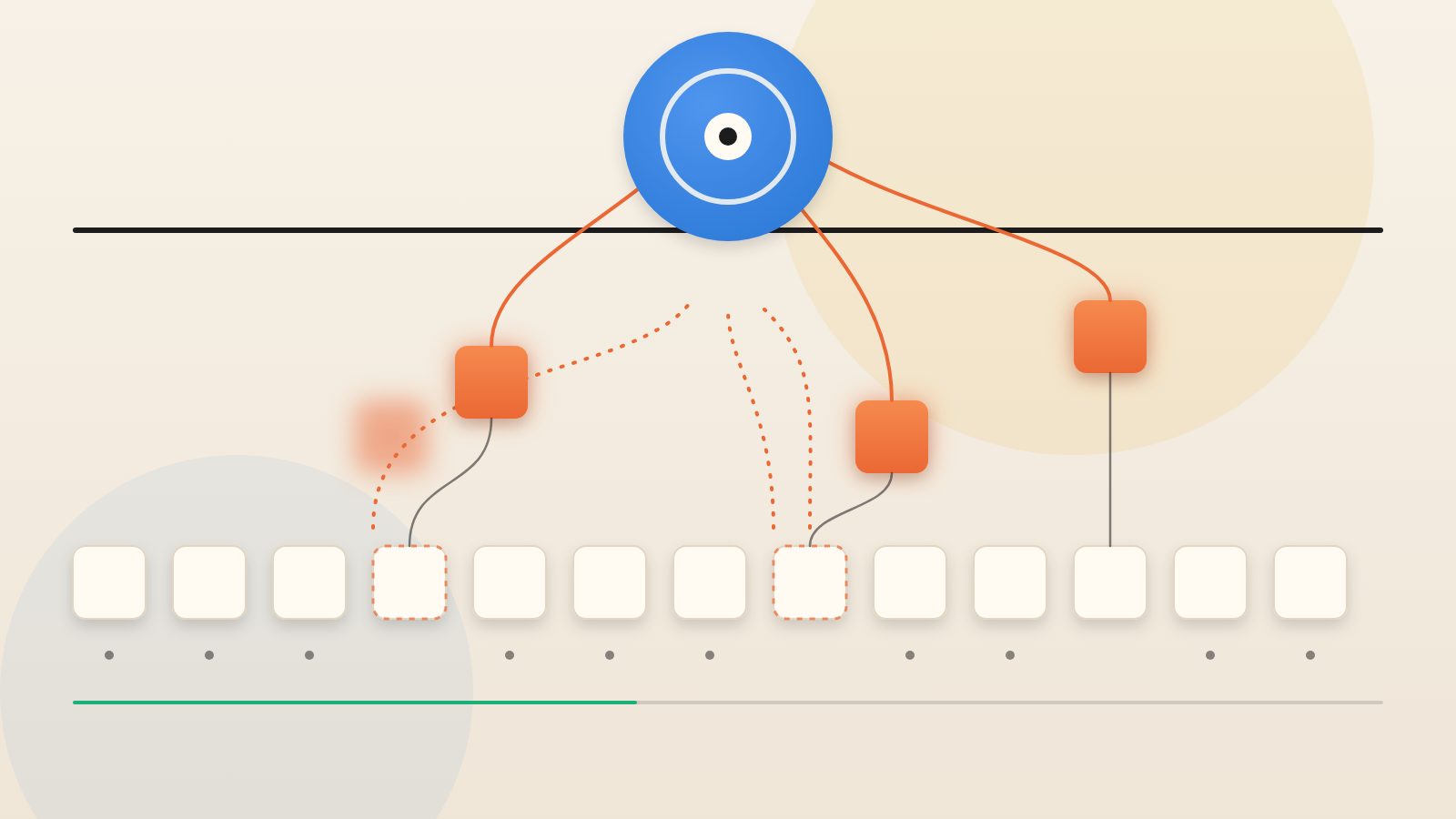
The team says SAGE is not one chatbot. It is a platform with three entry points. They share the same security knowledge and a common AI orchestration layer. One works inside Jira tickets as a security consultation assistant. One works in Slack as an operations guidance assistant. One is a web workbench that staff run themselves.
The team says the knowledge was the problem. Policies sit in Confluence. Past consultations sit in Jira. Know-how sits in Slack history and in people's heads. Answer quality and response time therefore varied with the experience of whoever took the case.
How the consultation assistant works
The team describes five steps a staff member takes on a ticket. They read it, search, gather evidence, organize, then analyze and decide. The assistant automates the first four. The fifth stays with the person. Inside, separate AI agents handle each stage. There is no single large agent.
The article names the stack. Langflow builds and runs the workflows. GPT family models from OpenAI do the reasoning. Smaller models handle light classification. Larger ones handle policy interpretation. Langfuse observes each run. MCP is a standard way to let AI call outside tools. Here it connects Jira and Confluence. OpenSearch holds past consultations and operational know-how.
Three guardrails worth copying
First, the wording is controlled. Comments follow a block structure. The team explicitly bans phrasing that lets the AI state a conclusion. The reasoning is about accountability. If an AI comment reads like an official staff answer, it becomes unclear who is responsible.
Second, citations are checked. The assistant compares each evidence candidate with the original wiki text. It fetches that text live through MCP, not from stored copies. Only matched citations are shown as firm. When sources conflict, the stricter one wins. The order runs from prohibited, to conditional, to needs more confirmation, to no special issues.
Third, effort scales with difficulty. The assistant checks each case against a set of difficulty factors. Examples are data flow, exposure to outside parties, contract and operating structure, and unclear data classification. The checks combine into a simple internal value. That value labels the case simple, medium or complex. The label sets how deep and long the answer is.
The team shares a de-identified example. A department wanted to load internal dashboard data into an analysis database. The assistant rated it medium complexity. It did not say yes or no. It asked whether the data flows into external AI. The requester had not mentioned this, yet it could change the answer.
The Slack assistant and the fallback
In the operations channel, speed matters most. One agent searches and builds an evidence packet. A second checks it against internal policy and drafts initial guidance. If verification fails, the flow falls back to general guidance. It also points the user to the right team.
Operational know-how cannot appear as a firm statement unless a matching policy paragraph exists. The design also warns against taking symptoms at face value. "VPN is not working" may really be an endpoint security, device registration or account problem.
What the article does not show
This is part one of a series. It is the team's own account. The team also says it blurred some details on purpose, including operational figures, for security reasons.
The article gives no accuracy rates, time savings or error counts. The team says the consultation assistant is in production. All outputs assume staff review. Staff feedback arrives through a survey channel. Repeated complaints become answer rules.
Questions for your security leads
Ask where each AI tool in your security workflow stops. Does its output read as a draft or as a decision? Are its citations checked against the source document, or only retrieved? What happens when verification fails? Who reviews the output? How does their feedback change the rules?
An agent that sounds certain can shift responsibility without anyone deciding it should. SAGE's design keeps the person who signs the answer in the loop.
Produced by the WebPulse Newsroom with AI assistance from the original reporting credited below, and checked against that source by our editorial review. How we use AI.
Original reporting: LY Corporation.