- GitHub put a package firewall into public preview on October 20. It screens npm downloads before they reach build servers and coding agents.
- It matters because GitHub reports malware that acts during installation. A check at the download step happens before that point.
- Teams on GitHub Enterprise Cloud can test it. They should map which machines install npm packages and plan for metered billing later.
When installing is the risk
Most security reviews ask what a software package does once it runs. GitHub's latest announcement looks at an earlier step. Some attacks do their work during installation.
On October 20, GitHub opened a package firewall to public preview. GitHub reports a rise in malware that strikes while a package is being installed. It says this malware can take credentials from build servers and developer machines before the package code executes.
A build server, often called a CI/CD host, builds, tests and ships software automatically. If an install step can expose its credentials, the damage can start before any code review happens.
How the firewall works
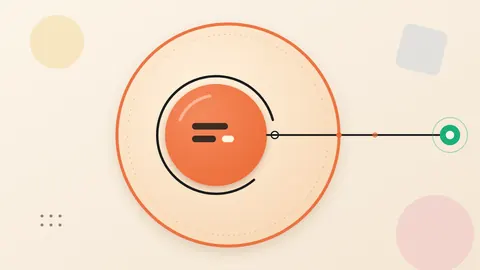
The firewall sits in the path between a requesting machine and the public package registries. GitHub names Actions runners and coding agents as examples of such machines.
It inspects two kinds of traffic. One is the metadata request, which is the list of available packages. The other is the package download itself.
Administrators set the rules for their enterprise. GitHub lists three controls available today. The first is a configurable cooldown period. The second looks up a package in GitHub's advisory database for malware or vulnerability warnings. The third covers supply-chain checks, such as attestation downgrades.
The announcement does not explain how the cooldown or the attestation check works. Teams should read GitHub's setup guide for those details.
A package may be blocked by mistake. In that case, a user can ask for an exception. GitHub says the process resembles those of other GitHub Advanced Security features.
The idea: put the checkpoint at the doorway
This is how the change looks to us. Security often relies on each team judging each dependency on its own. That approach leaves many separate decisions, each made at a different time.
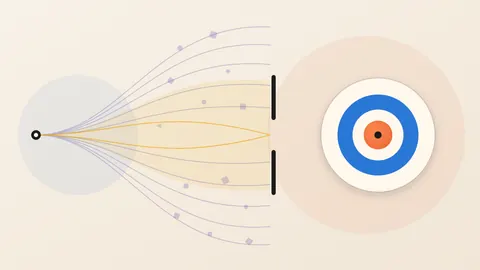
A firewall on the request path moves the decision to one place. One policy applies to every machine that is configured to use it. Think of a customs post. Goods are inspected at the border, not after they reach the warehouse.
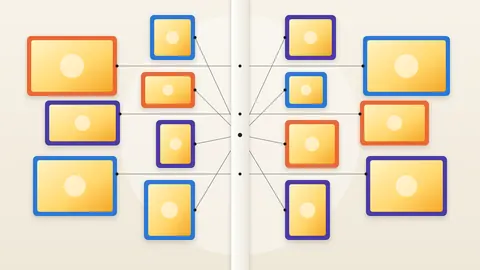
Coding agents appear in GitHub's list next to build runners. Both are machines that request packages. A policy gate gives them a shared set of rules. That is our interpretation. GitHub does not make this claim.
What the preview does not settle
GitHub's own text sets clear limits. The firewall supports only npm packages today. Only organisations on GitHub Enterprise Cloud can use it, and the data-residency edition is included.
GitHub calls this a preview. It says it is still scaling the systems behind it.
Setup takes work. Each machine must be configured to send requests through the firewall instead of straight to the registries. A machine left pointing at a registry would sit outside the policy. That follows from the setup description.
GitHub gave no figures on how many malicious packages it catches. It gave none on how often it blocks safe ones. Each team will need to measure its own false-block rate.
On cost, the service is free during the preview. GitHub says it will charge by metered usage at general availability, similar to Actions billing.
Questions to put to your team
Ask which build servers, developer machines and coding-agent setups install npm packages. Ask whether each could be routed through one gate. Ask whether your enterprise is on GitHub Enterprise Cloud, since the preview is limited to it.
Ask who will handle exception requests, and how fast. A gate that holds up work for days gives people a reason to go around it. Ask what covers the package ecosystems you use besides npm. Ask finance to plan for metered billing when the preview ends.
The lesson is simple. If an attack can succeed at install time, the check belongs before the install. GitHub now offers one way to do that for npm.
Produced by the WebPulse Newsroom with AI assistance from the original reporting credited below, and checked against that source by our editorial review. How we use AI.
Original reporting: GitHub.