- GitHub put Actions workflow lockfiles into public preview for Enterprise Cloud, so a workflow can run the exact commits a team locked.
- Tags and branches can move after review, so a later run might execute different code. Locking does not show that a dependency is safe.
- Eligible teams can pilot lockfiles on one sensitive workflow, decide who reviews lockfile changes, then consider the Require lockfile policy.
A review only counts if the code stays the same
A team can review a build workflow once and then trust it. The idea is simple: what we read is what will run. A GitHub changelog entry from October 14 describes a weak spot in that trust.
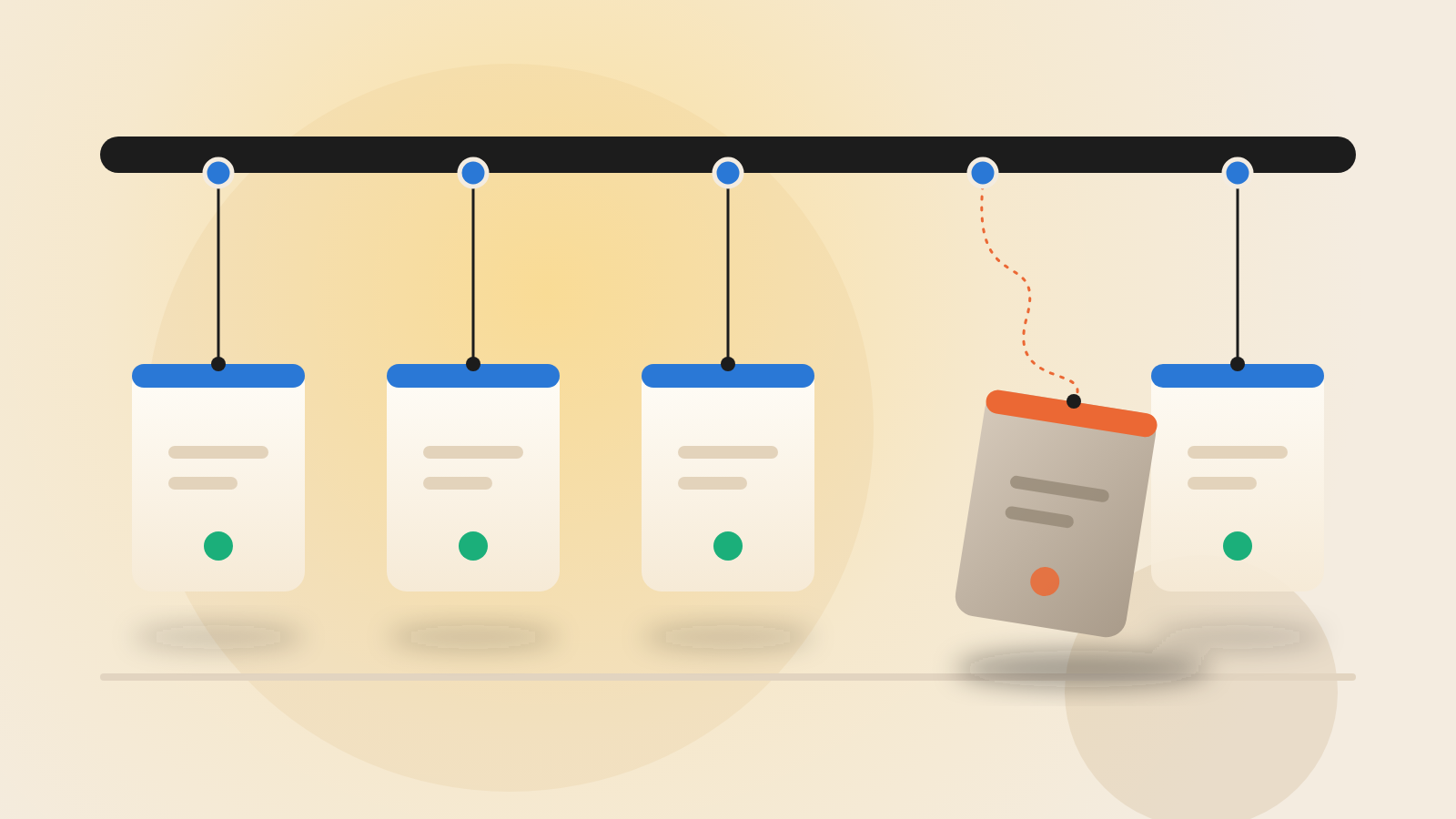
Workflows usually name the actions they use by a tag or a branch. Those names are pointers, and GitHub says a pointer can be moved after a team has signed off. A later run might then execute different code.
The risk grows if an action is compromised. In GitHub's description, a moved pointer can carry malicious code into a workflow without a change to the repository. No change lands in the repository, so there is no pull request or diff to review.
The lesson here is that a tag is a promise, while a commit is a fact. Security teams have long worried about the gap between checking something and using it. Workflow references leave that gap open unless something closes it.
How a workflow lockfile works
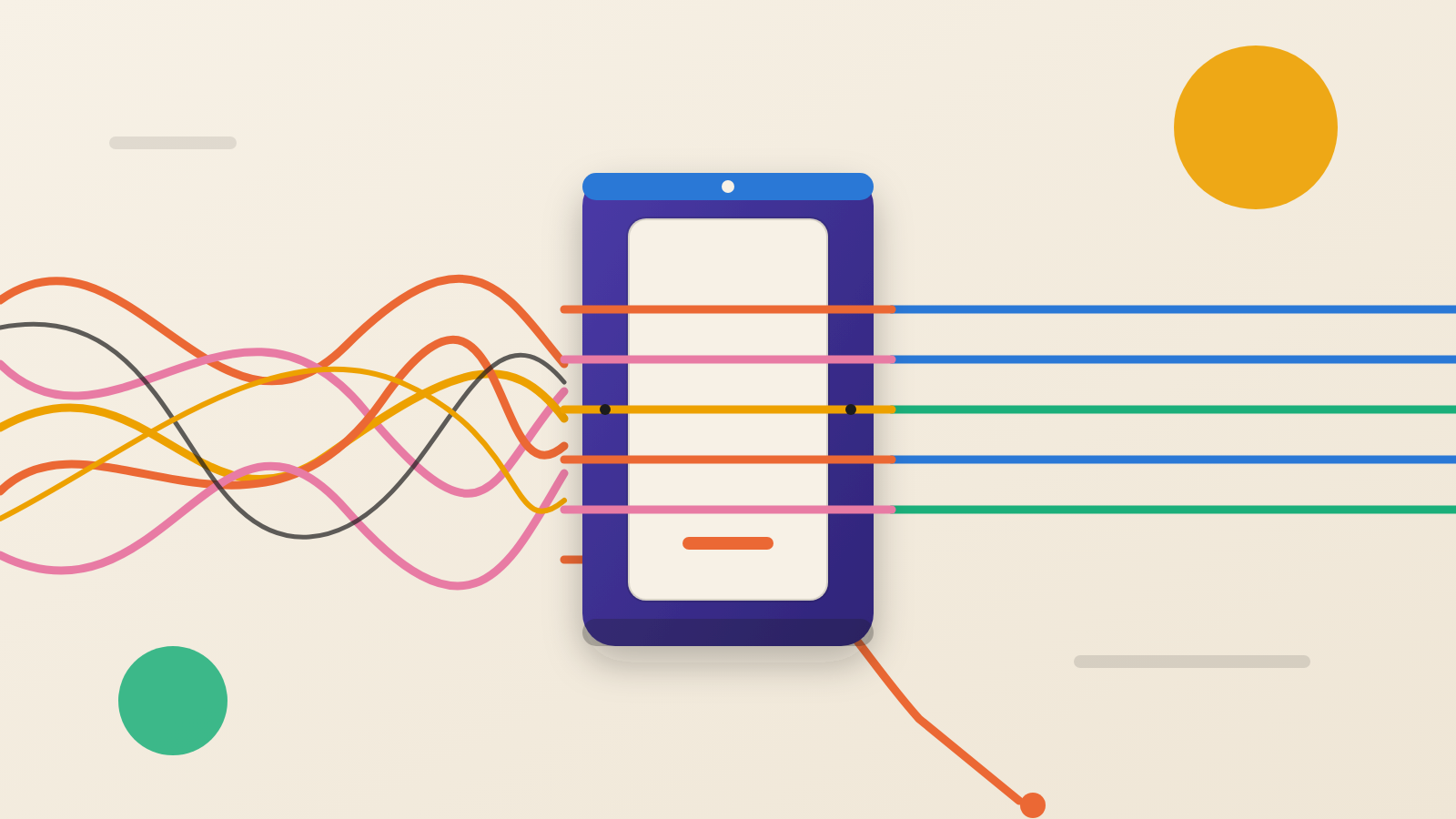
GitHub's answer is a lockfile, much like the lockfiles many software teams already use for libraries. Teams install a GitHub CLI extension called gh actions-lock. It writes a file named .github/workflows/actions.lock. That file records exact commits for each action, for the actions those actions depend on, and for reusable workflows.
Teams can adopt this one workflow at a time. Once a workflow is onboarded, every dependency must have a lockfile entry. GitHub Actions then runs the recorded commit, even if the tag or branch has since moved.
The same extension can check whether a lockfile is stale without changing any files. That check can run inside a CI pipeline, the automated system that tests and builds code.
What a lockfile does not do
GitHub states the limit plainly: locking does not determine whether a dependency is safe. It keeps a run tied to the commits you locked. If the team locks a bad commit, the lockfile preserves it faithfully.
So the review step matters more, not less. The control moves risk from silent change to deliberate change. Someone still has to look at what is being locked.
Availability is also narrow. Only customers on GitHub Enterprise Cloud, including the variant with data residency, can use the preview today. The announcement names no other plans.
Policy and upkeep
GitHub also released a Require lockfile policy in public preview. Administrators at the enterprise, organization or repository level can make lockfiles mandatory within their own scope. That turns a good habit into a rule.
Pinning raises an obvious worry: pinned code goes stale. GitHub addresses this through Dependabot. When Dependabot proposes a new version of an action in an onboarded workflow, the matching lockfile entry is refreshed in that same pull request.
For the engineer reviewing that pull request, the workflow reference and its locked commit change together in one place. The update becomes a visible, reviewable event instead of something that happens unseen.
Outside testers helped shape the preview. In its thanks, GitHub names four community members: Andrew Nesbitt, François Proulx, Jesse Houwing and William Woodruff. It credits them with working on the design alongside its team across about the past year.
Questions to put to your team
This is one feature in preview, not proof of a wider trend. It is still a clear prompt to look at how your pipelines are built.
Ask these questions:
Are we on GitHub Enterprise Cloud, and can we try the preview? Which workflow holds our most sensitive access, and can it be the first one onboarded? Who will review lockfile changes, and how fast? Do we want the Require lockfile policy once the pilot works?
A reviewed workflow is a snapshot of a decision. A lockfile makes sure that snapshot is what actually runs.
Produced by the WebPulse Newsroom with AI assistance from the original reporting credited below, and checked against that source by our editorial review. How we use AI.
Original reporting: GitHub.