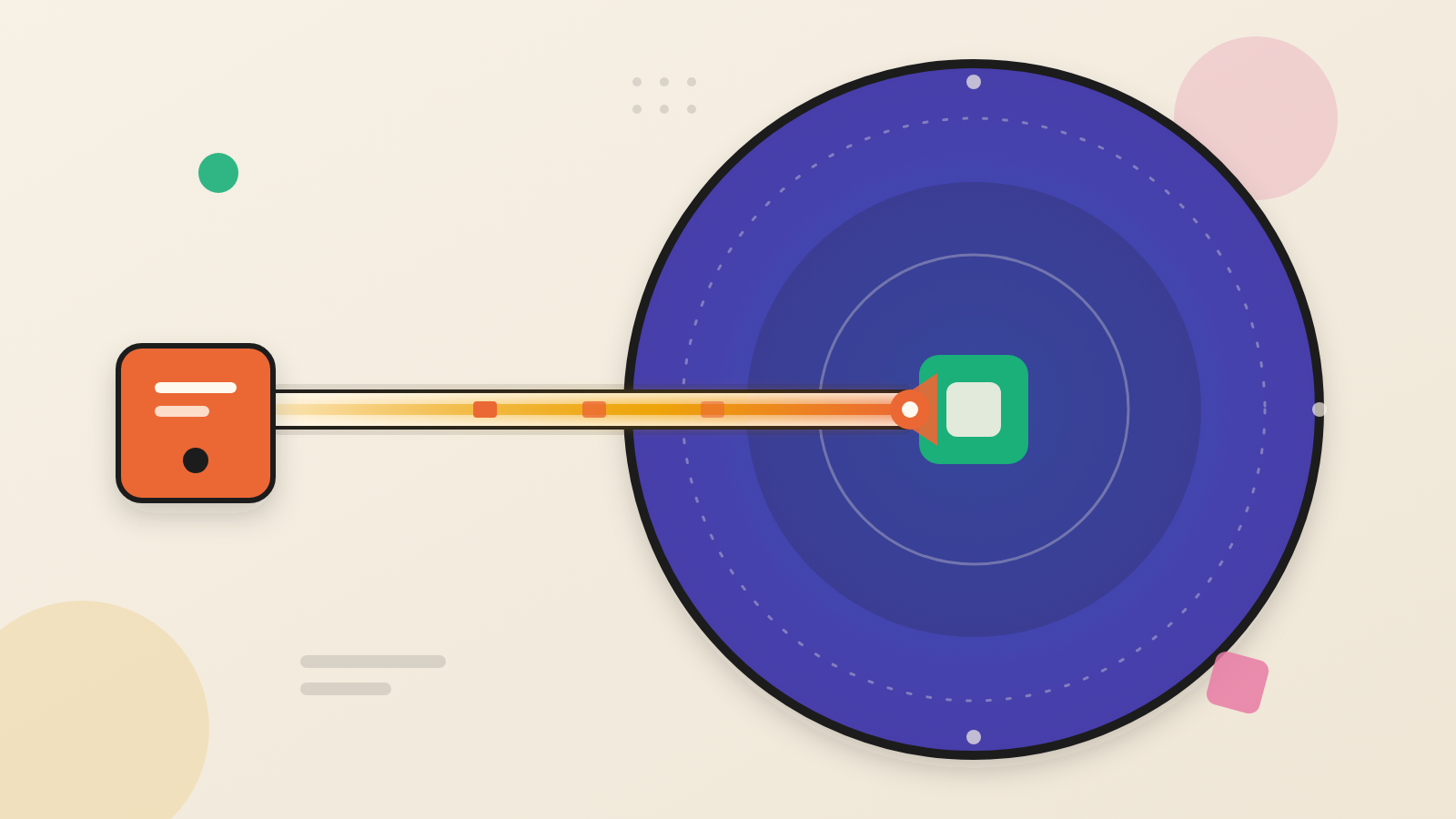
- Huntress traced a fake Amazon CAPTCHA, reached through a paid Google ad, to a chain that abuses finger, an old Windows tool, and ends in an infostealer.
- Huntress says the attack reached at least three of its customers. Unused built-in tools and the Run dialog can be part of the exposure.
- Teams can alert on finger.exe, block port 79/tcp, limit the Run dialog and log Google ad-click markers.
Attackers like tools that nobody remembers owning. Huntress, a security firm, has described an attack built on one. It starts with a paid Google ad and ends with data-stealing malware. In the middle sits a Windows utility called finger, which most people have never typed.
The lesson for executives is this. Security teams spend much of their attention on new software. This chain relied on an old, built-in utility that few people expect to see. The user's own hands did the rest.
A search, a fake login and a command the user pastes
Huntress investigated incidents that began with a sponsored Google result for the keywords "amazon business." The ad linked to a subdomain the attacker controlled. From there, visitors landed on a spoofed Amazon sign-in page stored in a private Google Sites location.
After the user typed an email or phone number, a fake CAPTCHA appeared. Clicking "I'm not a robot" copied a hidden command to the clipboard. A pop-up then told the user to paste it into the Windows Run box.
This family of attacks is called ClickFix. Huntress says the Run box seemed to show a plain instruction to press Enter. The real command was hidden behind extra spaces and hyphens. Huntress says the method reached at least three of its customers.
The lure was also cross-platform. Huntress says visitors whose browser identified as macOS received instructions to run a script in the Mac Terminal. That destination URL was offline when Huntress checked, so the report analyses only the Windows chain.
How the chain works
The command launches finger.exe. Finger is an early-internet tool that let people publish a short note, stored in a file called .plan, on a remote account. Huntress says it predates the web by nearly two decades.
Finger is not new to attackers. Huntress says threat actors have abused it in ClickFix attacks for at least a year. What stood out here was the depth of the chain that followed.
Here, the attacker's server holds a Windows script in that .plan file. Huntress says 68 blank lines push the script off the bottom of a typical terminal screen. Finger sends plain text over port 79/tcp. Huntress says most networks do not block it because nobody uses it.
The script then downloads IronPython, a legitimate Python distribution, from GitHub. It uses that to run a script disguised with Base64 encoding and swapped-in Cyrillic letters. A further layer, locked with a 19-byte XOR key, unpacks a loader.
The loader fetches a program that security vendors generally identify as Doina, according to Huntress. Doina then pulls down a Node.js package. That package decrypts two files and injects an infostealer into memory. Huntress describes it as allegedly Lumma Stealer.
The stealer looks for cryptocurrency wallet apps and password managers, including LastPass, Dashlane, 1Password, NordPass and RoboForm. Huntress also found a pirated copy of the NetSupport remote management tool. It talked to an IP address over port 725/tcp. Huntress says the payloads changed once or twice a day.
Why an old tool helps the attacker
Huntress's Sarah Reddish told Dark Reading the difference is "the depth of the chain." She said it shows ClickFix becoming a modular delivery path, built to make analysis harder.
Huntress's Spike Brandt explained why finger helps. It uses a fixed port but is not proxy-aware. Firewalls, network filters and data-loss tools may ignore traffic on a port this uncommon.
This points to a question about how organisations think about risk. A tool that ships with Windows and has no business use still sits on the machine. Does anyone own the decision to remove or restrict it?
What the defender can see
Huntress offers some practical markers. Google tags ad clicks for billing, leaving "aclk" in the URL path and "gclid" in query strings. Investigators can search web history, proxy records and URL logs for these tags. That lets them trace a visit back to the ad, even if later redirects hide the origin.
Huntress also says ClickFix made up about 2.2% of the managed EDR detection signals it saw this year. Nearly 99% of those were high severity. Those figures come from Huntress's own customer base.
Huntress also offers a control. Its Attack Reduction feature, in early access, lets admins switch off the Run dialog for users who do not need it. Huntress notes it does not stop every variant. Attackers sometimes ask users to open PowerShell or the command prompt instead.
Questions to put to your team
First, can we alert when finger.exe runs, or block outbound traffic on port 79/tcp? Second, who in our company needs the Run dialog, and can we remove it for everyone else?
Third, do we log Google ad-click markers in proxy or browser telemetry, so we can trace an incident back to its ad? Fourth, do staff know that no genuine CAPTCHA asks them to paste a command into their computer?
Huntress says user awareness is the best defence against ClickFix. Awareness alone depends on every person getting it right every time. Removing the tools the trick depends on lowers that burden. An unused door is easier to leave shut once someone has locked it.
Produced by the WebPulse Newsroom with AI assistance from the original reporting credited below, and checked against that source by our editorial review. How we use AI.
Original reporting: Huntress.