- Microsoft says Windows 11 24H2 Home and Pro, plus Windows 10 Enterprise LTSB 2016, will stop getting security updates in 90 days, per BleepingComputer (July 15, 2026).
- Once a vendor stops patching, new flaws in that software go unfixed, leaving only workarounds, network isolation, or migration. The article says this applies to web frameworks and hosting panels too.
- Teams deciding whether to renew, patch, or migrate should track the vendor's end-of-support date, not their feelings about the software.
A Countdown Measured in Days, Not Years
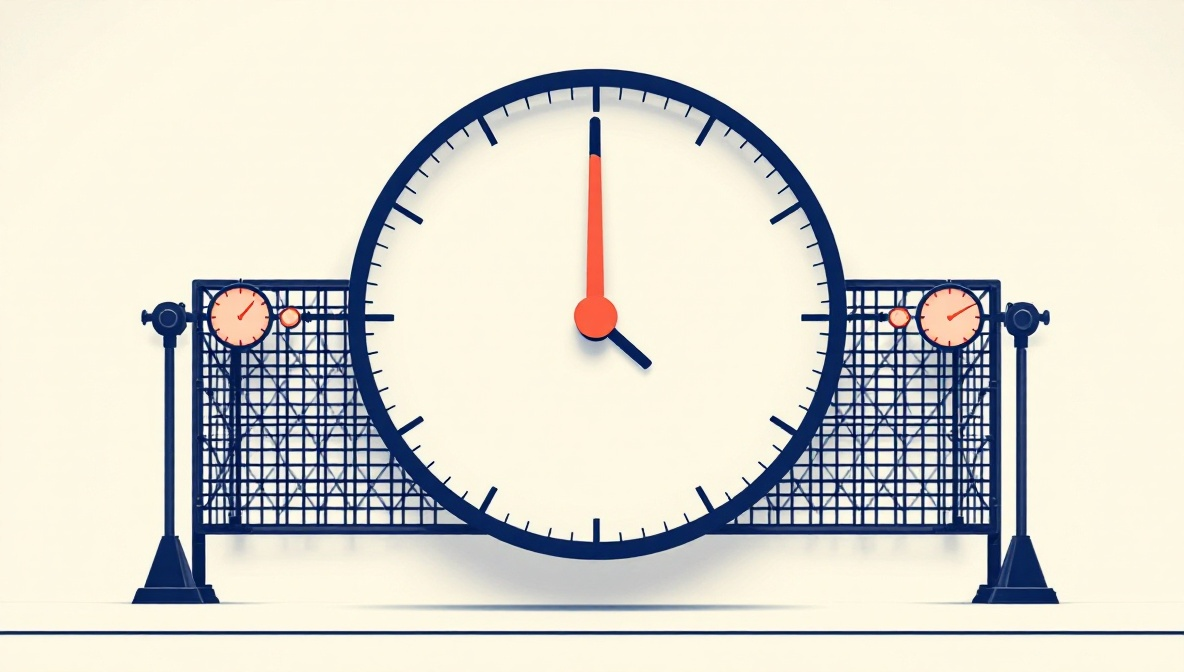
Microsoft's disclosure this week sets a fixed point: systems running Windows 11 24H2 Home and Pro editions, along with Windows 10 Enterprise LTSB 2016, stop receiving security updates in 90 days. For budget-signers, that number is the entire story — not the operating system's age, not its install base, just the number of days until patch delivery ends and every subsequent vulnerability discovered against it goes unaddressed by the vendor.
The Same Clock, A Different Layer of the Stack
WebPulse doesn't detect operating systems — it detects web frameworks. But the mechanic Microsoft just triggered is one WebPulse's threat feed tracks constantly at a different layer of the same infrastructure stack. CISA's Known Exploited Vulnerabilities catalog, which now holds more than 1,300 entries, is a running record of what happens once support boundaries are crossed or patches go unapplied: the software keeps running and the exposure keeps accruing. Under Binding Operational Directive 26-04, federal civilian agencies face risk-tiered remediation deadlines of 3 to 60 days depending on severity. Everyone else operates without a binding timeline — just the same accumulating risk.
What Happens While the Clock Runs
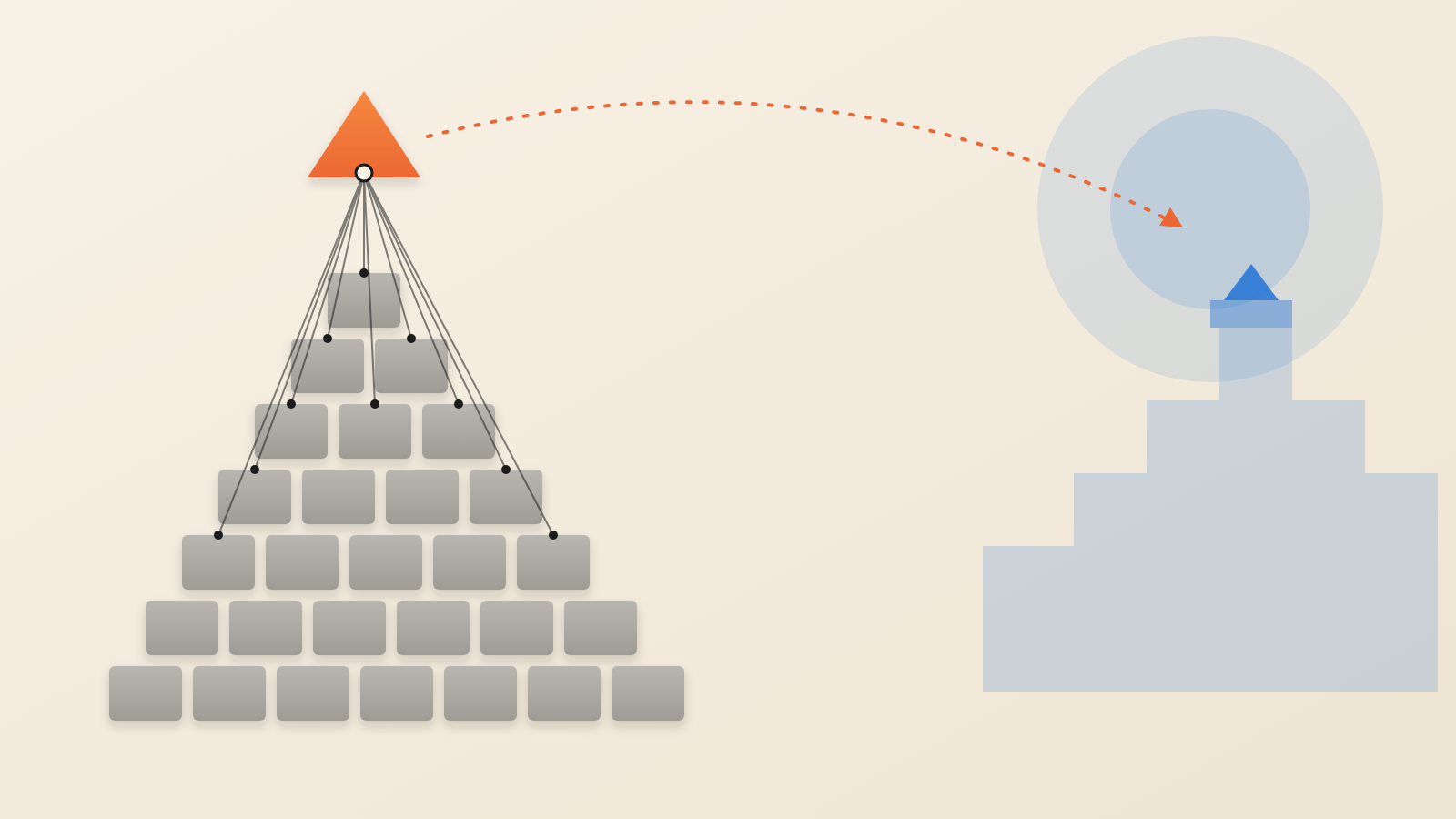
Support-window expiration doesn't create a vulnerability — it removes the mechanism for fixing one. Once the vendor stops shipping patches, every subsequent vulnerability discovered against that software goes unaddressed. The only options left are compensating controls, network isolation, or migration. That's the same arithmetic whether the software in question is a desktop OS edition or a web framework nearing its own end-of-life release.
The Vantage Point WebPulse Actually Has
At the web layer, WebPulse tracks which frameworks are running and which versions — across 466,000+ detected instances spanning 30 frameworks and 100+ TLDs. (Detection is signature-based and skews toward frameworks with strong HTML fingerprints; undetected sites are not counted.) Support-lifecycle expiration is a recurring pattern in that dataset: it shows up release cycle after release cycle, on infrastructure that, unlike a Windows desktop, is usually internet-facing by default.
The Executive Calculus
None of this is a prediction about what will be exploited next. It's a description of how support clocks work, illustrated by two concrete instances running in parallel this month: a consumer OS edition and a hosting control panel, both counted down by their vendors on fixed schedules that don't bend to an organization's migration budget. For teams weighing whether to renew, patch, or migrate — on an OS, a hosting panel, or a web framework — the relevant number isn't sentiment about the software. It's the date on the calendar when the vendor stops answering.
Produced by the WebPulse Newsroom with AI assistance from the original reporting credited below, and checked against that source by our editorial review. How we use AI.
Original reporting: bleepingcomputer.com.