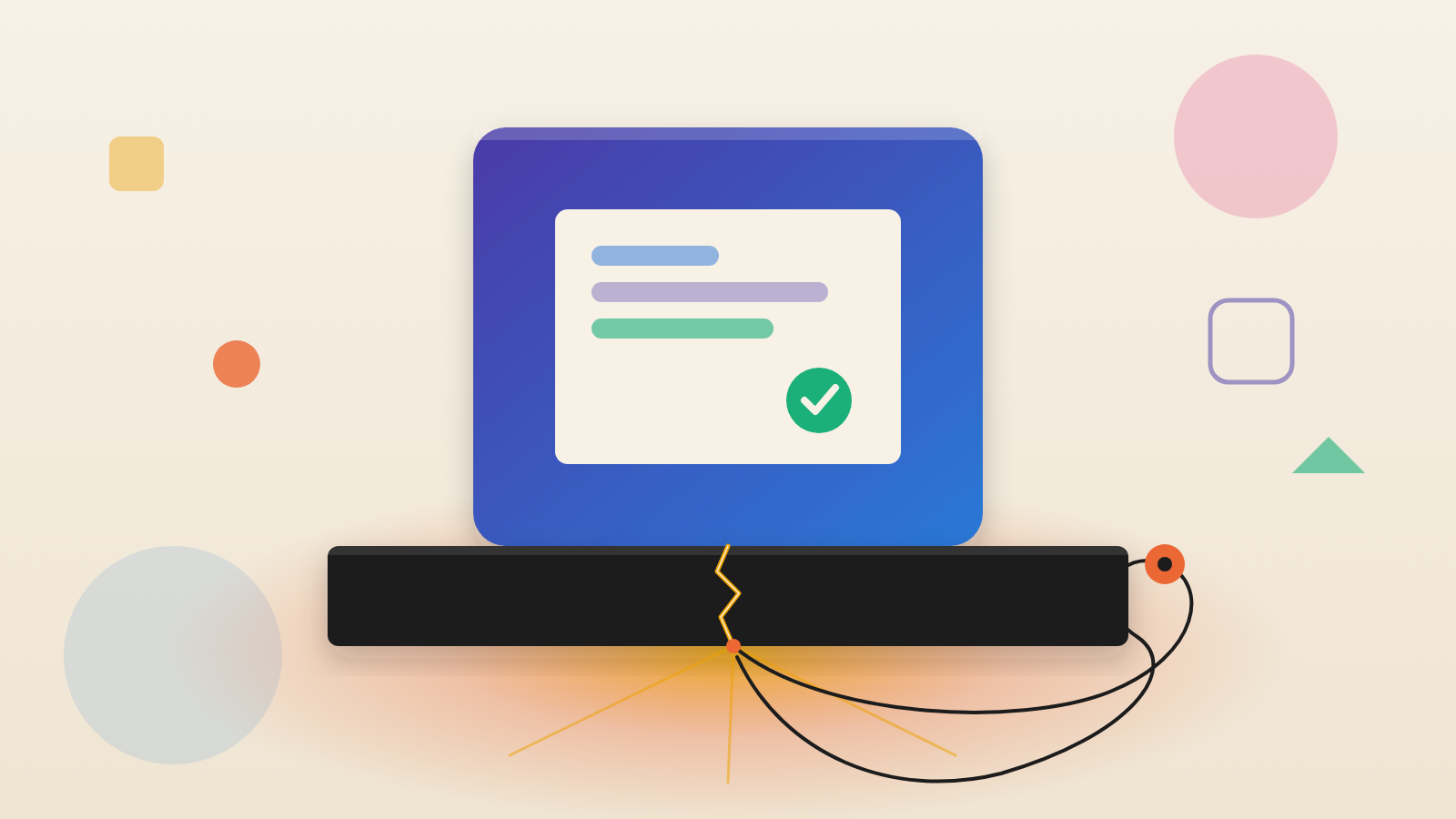
- Socket reports that tensorlake npm version 0.5.144, an SDK for AI code sandboxes, carried a credential-stealing worm that runs at install time.
- The malware includes a monitor that, per Socket, wipes a user's home directory if the stolen GitHub token is revoked while it runs.
- Check for [email protected], isolate affected hosts, remove the monitor first, then revoke and replace credentials.
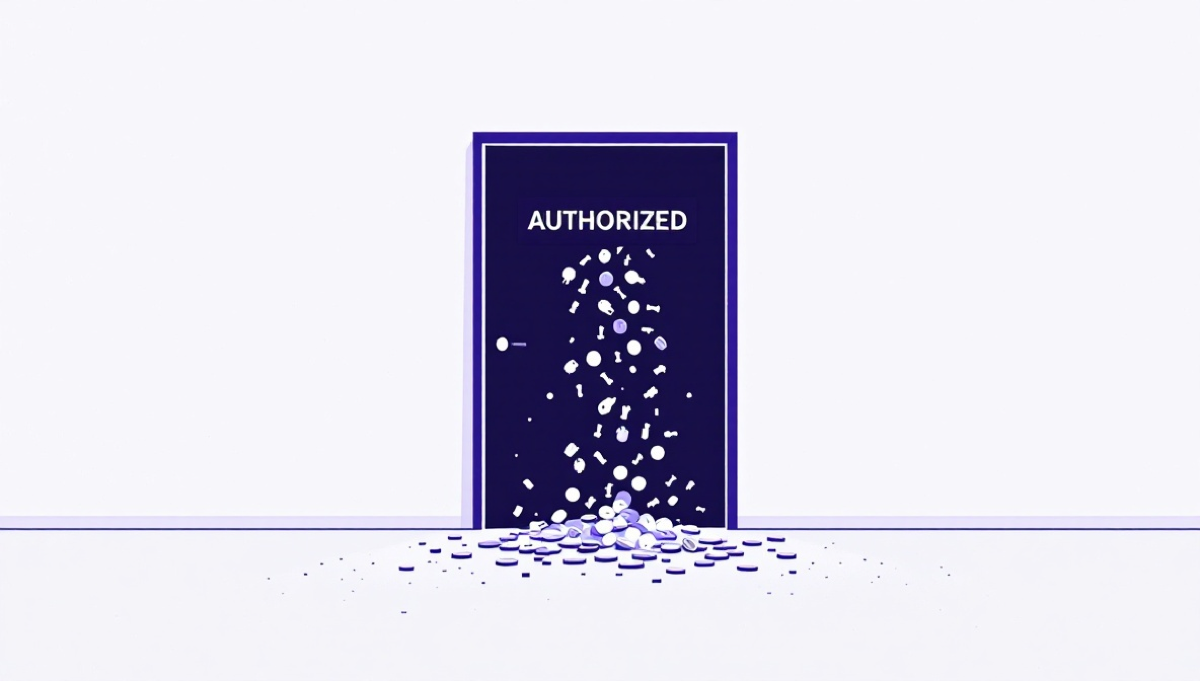
A sandbox protects you from the code an AI agent writes. It does not protect you from the code you install to set the sandbox up. That gap is the lesson of an attack Socket reported on October 8, 2026.
What Socket found
Socket's researchers caught a poisoned version of the tensorlake package on npm. Version 0.5.144 carries scrambled, hidden code. Socket says it steals credentials, sends secrets out, stays on the machine and runs commands sent by the attacker.
Tensorlake makes sealed environments where code written by AI models can run. Developers use this package to create and manage those environments from TypeScript apps. The attack hits the installing machine first. That happens before any generated code reaches a sandbox.
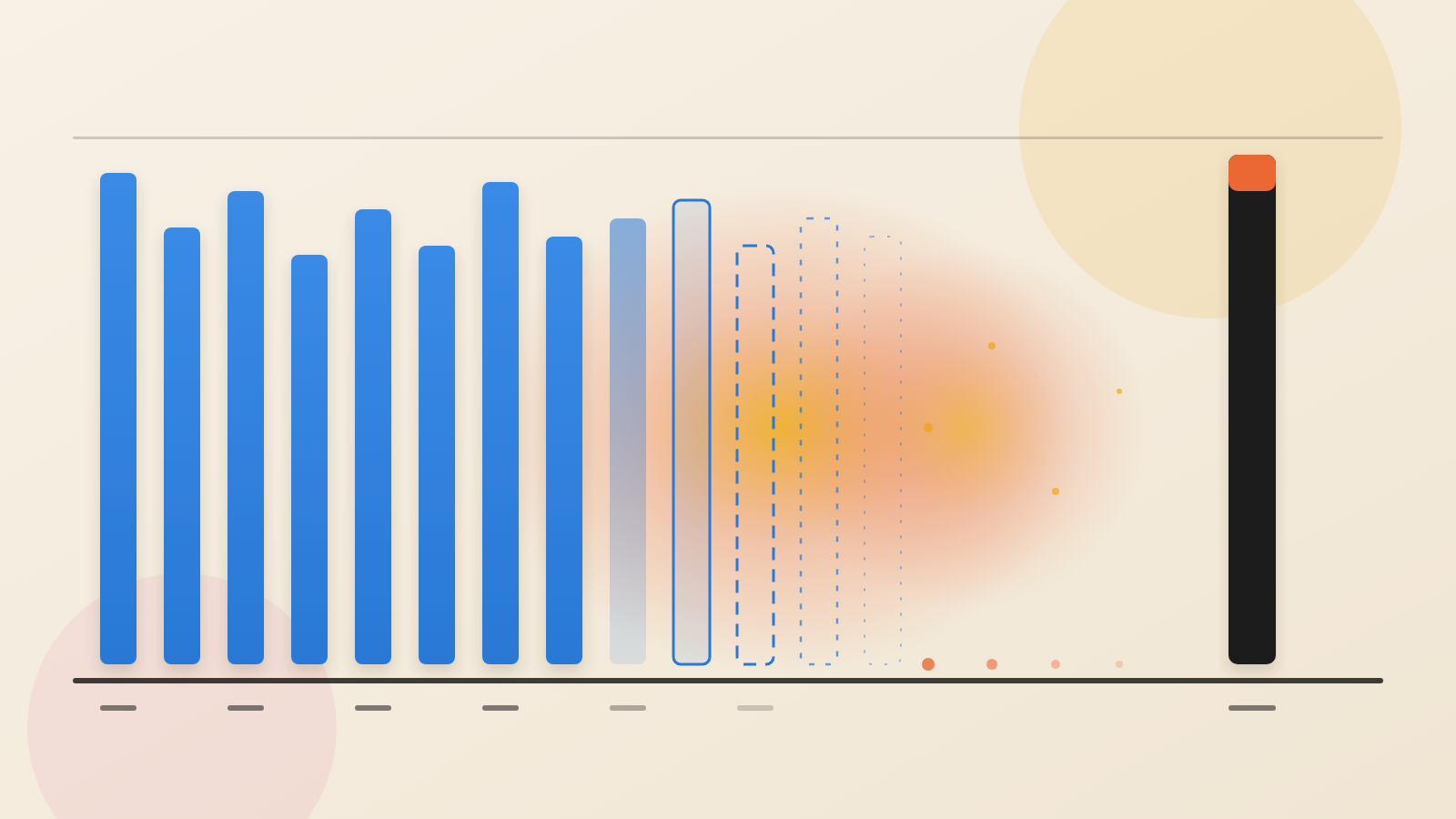
The package gets about 12K downloads a week. That number shows general use. It says nothing about how many people fetched the bad version. It also says nothing about how many were infected.
Why the sandbox does not help
The bad release includes a preinstall hook. That is a script npm runs by itself while it installs a package. Nobody has to load the SDK or launch an agent. Where such scripts are allowed, installing is enough.
Socket flagged two files. One, setup.mjs, is a loader that starts the payload with Bun, a JavaScript runtime. The other, Math_Symbol.js, is the scrambled worm itself.
Code that runs during install gets the same access as whoever is installing. That could be a laptop, an application server or a build runner. Such machines often hold deployment secrets. The isolation Tensorlake offers only starts later.
What it takes and how it spreads
Socket lists what the malware hunts for. The list covers npm and GitHub tokens, AWS credentials, HashiCorp Vault, Kubernetes tokens, SSH keys and .env files. It also covers crypto wallets and messaging app data. It reads settings and MCP files for AI coding tools tied to .claude, .cursor, .kiro, Windsurf and Zed.
It is also a worm. Socket says it looks up the packages tied to the victim's publishing account. It then creates Sigstore provenance, a signed record of where a package came from. Finally it pushes out infected versions. One stolen publishing token can seed the next victim.
Socket links the same file names and hook to attacks in August on keyv, cacheable and related packages. Those attacks carry the labels ChainDrop and Shai-Hulud. The new element here is the target. It is the tooling used to build and run AI agents.
The malware carries no fixed address for its control server. Instead, it asks a smart contract on Ethereum where to connect. It reaches that contract through about 30 public RPC endpoints. A GitHub fallback also exists. That leaves defenders no single domain to block.
The trap in the cleanup
The most unusual part is a "hostage token" monitor. It is a PowerShell script that restarts at every logon through a scheduled task. It calls api.github.com/user with the stolen GitHub token. That call tells it whether the token still works.
If the token is revoked, the monitor runs a handler the attacker supplied. The code also holds a string reading IfYouRevokeThisTokenItWillWipeTheComputerOfTheOwner. Socket says earlier Shai-Hulud waves used the same string. Socket warns that revoking the token while the monitor runs wipes the user's home directory.
The lesson: response order is now part of the defence
Standard incident response says to revoke exposed credentials first. Here, that habit sets off the damage. A runbook written for ordinary leaks can hurt the people who follow it.
This shows a wider point about AI tooling. Agent infrastructure collects secrets in one place. It is installed on machines that already hold them. The sandbox may be sound. The path that puts it on the machine is the exposure.
What to ask your team
First, does any lockfile, build log or deployed artifact contain [email protected]? Socket advises blocking that version. It also advises finding every environment where its install scripts ran.
Second, treat any host where the code ran as compromised. Isolate it and look for persistence. Removing the npm dependency does not remove the implant.
Third, check the order of work. Socket says to remove the gh-token-monitor persistence first, on Linux, macOS and Windows. Only then should teams revoke and replace credentials. After that, audit connected accounts for unexpected package publications. Then rebuild from trusted sources.
Fourth, ask where lifecycle scripts are allowed to run. Ask which build runners hold deployment secrets. Those answers decide how far one bad install can reach.
A sandbox is only as strong as the machine that installed it.
Produced by the WebPulse Newsroom with AI assistance from the original reporting credited below, and checked against that source by our editorial review. How we use AI.
Original reporting: Socket.