- AhnLab ASEC described two cases where attackers used the Suo5 tool to turn compromised web servers into relays into internal networks.
- One case left a file on disk. The other ran only in memory, so the traces differ and file scanning alone can miss it.
- Teams should watch web requests, server behavior and internal traffic together, and restrict script-execution features such as Groovy.
A web server is built to talk to strangers. That is why taking control of one has consequences beyond the server itself. Once an attacker holds it, the server can carry their traffic further inside. AhnLab ASEC's report on a tool called Suo5 describes two cases of exactly this.
The lesson here is that a compromised web server is not only a lost server. It is a bridge, and it already has permission to sit between the internet and your internal systems.
What AhnLab found
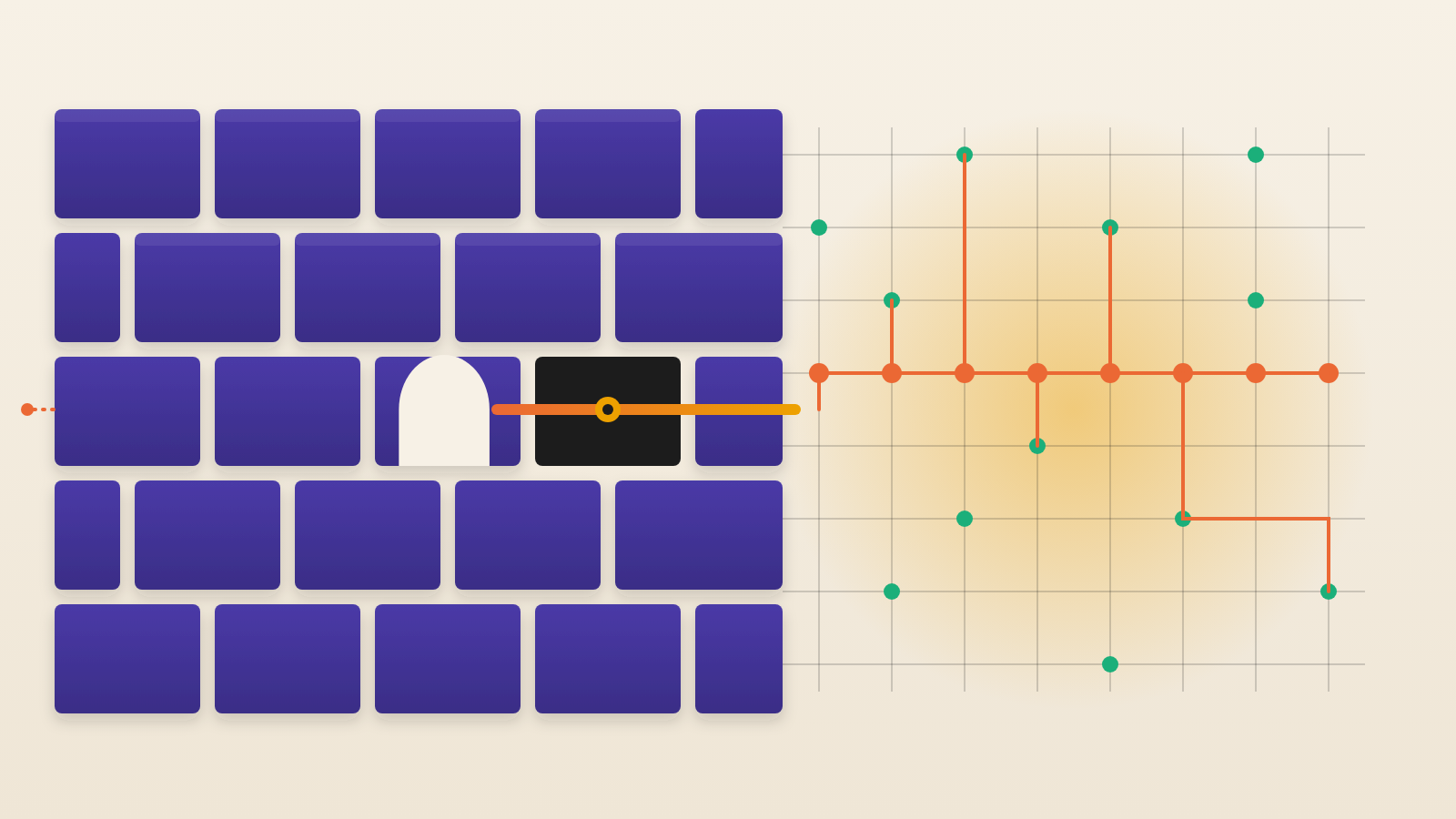
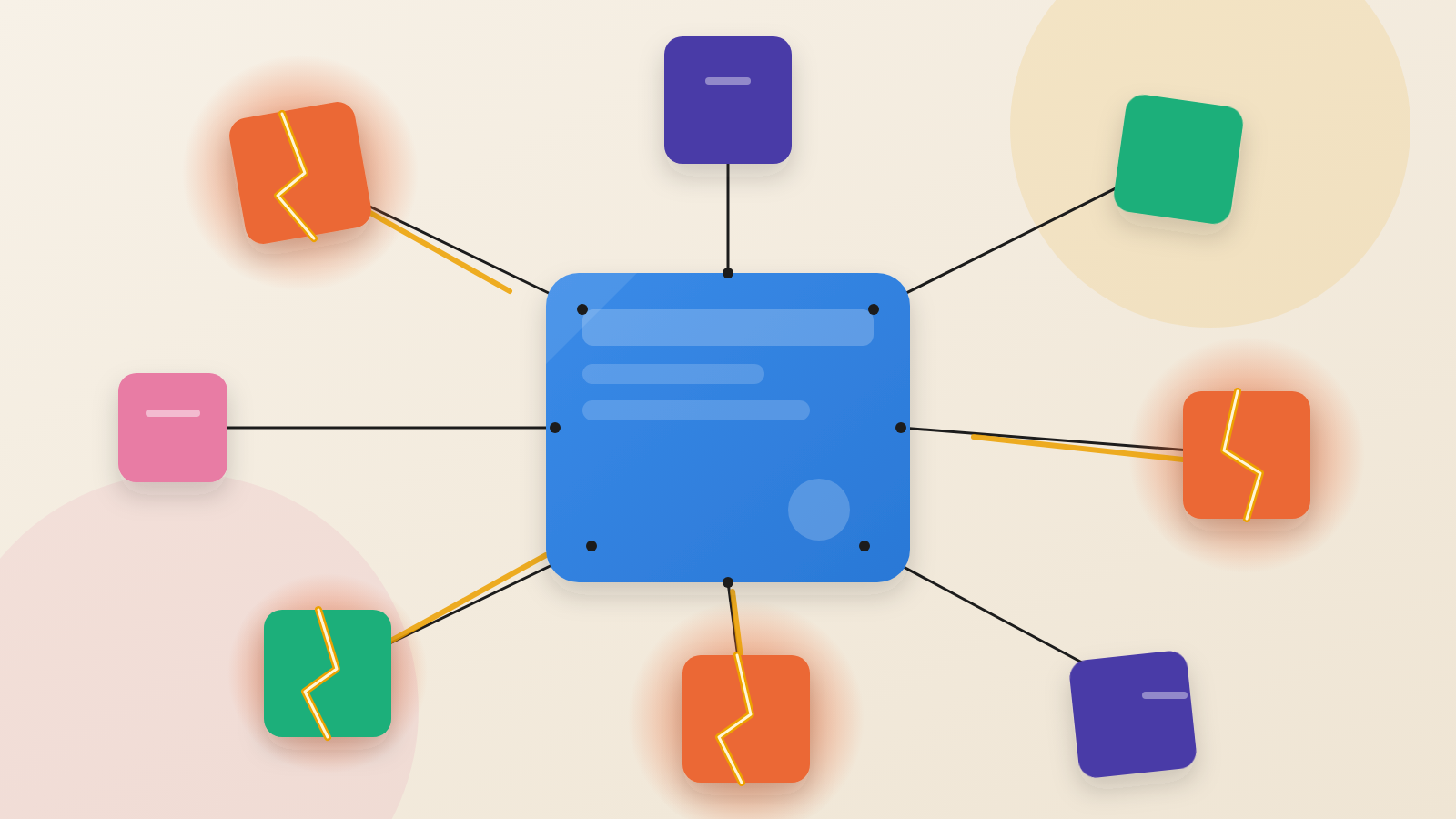
AhnLab's researchers describe pivoting. That means passing through a system the attacker already controls to reach other systems or networks. In both cases, the compromised web server served as the relay point for lateral movement into internal networks.
Suo5 is an HTTP/HTTPS tunneling tool. Tunneling wraps one kind of traffic inside another so it can travel over a path that is already allowed. Here, ordinary web requests carry the attacker's traffic. The report notes that this is related to port forwarding, which sends traffic from one host and port to another.
How the tunnel works
Suo5 relays TCP traffic over HTTP or HTTPS. It then exposes a SOCKS5 proxy, a standard way for tools to route their connections through an intermediary. The attacker points their tools at the proxy. The web server forwards the traffic to systems that the attacker could not reach directly.
The tool is flexible. It supports full-duplex and half-duplex transmission. It lets the operator change HTTP methods, headers and the User-Agent string, which is the label a client sends to say what software it is. It works in Java, PHP and IIS/.NET environments. It also works behind an Nginx reverse proxy.
Two cases, two kinds of footprint
In the first case, the attacker used a file upload vulnerability on a Windows Server running IIS. They uploaded Suo5.Aspx under the name FilesImages.Aspx. That file then became the communication path into internal systems.
This method leaves evidence. The web logs showed repeated POST requests to FilesImages.Aspx. IIS/ASP.NET also compiled the file on the fly, which created DLL and .Compiled files in the Temporary ASP.NET Files directory. Investigators could use those to trace the activity.
The second case started on a Jenkins server, where the attacker already held administrator rights. Jenkins runs on Java. The attacker opened its Script Console, a built-in tool that executes Groovy scripts. One such script loaded Suo5 directly into running memory, registered as a Servlet and a Filter. No separate file was needed.
Nothing was written to disk, so the clues sat in the logs. Web logs showed requests for /login.Php or /login. Java logs held a ClassFormatError stack trace. It pointed to the PluginServletFilter chain and to a doFilter() call made from Script1.Groovy. The report does not say how the attacker obtained administrator access in this case.
Why file scanning is not enough
Many security programs look for known bad files and known indicators of compromise (IOCs). The memory method gives them little to find. The report advises against relying only on specific IOCs. It recommends watching web requests, server behavior and internal network traffic together.
This is also a question of who sees what. The web team sees the logs. The network team sees internal connections. The tunnel only shows up when someone joins the two views.
What leaders should ask
AhnLab's guidance gives teams concrete checks. Ask whether your team can answer each of these:
First, do we alert on URIs our servers do not normally use, on repeated POST requests, on unusual User-Agent headers and on access outside business hours? Second, do we monitor for new or changed files in web application paths? Third, are script-execution features such as the Jenkins Script Console and Groovy disabled or tightly restricted? Fourth, how much of the internal network can a web server reach? The report advises minimizing that scope. Fifth, do we run antivirus and EDR (endpoint detection and response) tools on these servers?
The fourth question matters most for planning. If an attacker took over one web server tomorrow, what could it reach from there? A web server is meant to be visible. The systems behind it should not be reachable just because it is.
Produced by the WebPulse Newsroom with AI assistance from the original reporting credited below, and checked against that source by our editorial review. How we use AI.
Original reporting: AhnLab ASEC.