- Bishop Fox found that CVE-2026-58113 let a crafted link run attacker code in Siemens Teamcenter, with no click beyond opening the link.
- In testing, the code silently made a second account a delegate of the victim's account. Bishop Fox did not use that delegation against real data.
- Patch per Siemens advisory SSA-157465, review surrogate delegations, and check how your own redirect pages handle user input.
Many attribute-based script injections depend on a second human action, such as a hover or click. The victim must do something before the malicious code runs. Bishop Fox's research on Siemens Teamcenter shows what happens when the application performs that step itself. A page built to act for the user ended up acting for an attacker.
That is the lesson of CVE-2026-58113. Automation that saves a click also removes a chance to stop. The question for leaders is not only whether a flaw exists. It is what the system behind the flaw is trusted to decide.
What Bishop Fox found
Bishop Fox's researchers found the flaw during an authorized penetration test of a Teamcenter Active Workspace deployment. Teamcenter is Siemens' product lifecycle management (PLM) suite. Active Workspace is its browser front end. Manufacturers rely on it to hold design files, parts lists and the sign-offs that clear a product for production.
The flaw is a reflected cross-site scripting (XSS) bug in the /auth/ login-redirect flow. In plain terms, the page echoed parts of the web address back into its own HTML without cleaning them. An attacker who controls that address controls part of the page.
How the page fires its own trigger
When a browser reaches /auth/, the server returns a small page. Its only job is to send the user on to the single sign-on (SSO) login. The page holds an invisible form, and a short script sends that form the moment the page opens.
The researchers found that the endpoint reflected request parameters, including arbitrary parameter names, into the form's attributes without encoding. By adding a parameter that contained a double quote, they closed the form's action attribute early. They then added their own attribute, an onformdata handler.
That handler runs when the browser builds the form's data, which happens on submission. This includes submission started by a script. Because the page submits its own form, the injected code runs at once. Normally an attribute injection waits for a hover or click. Here, the victim's only act was opening the link.
Bishop Fox confirmed execution in Firefox. It notes that browser behavior around scripted submission is not uniform, so defenders should not assume other browsers are safe.
From a dialog box to a delegation
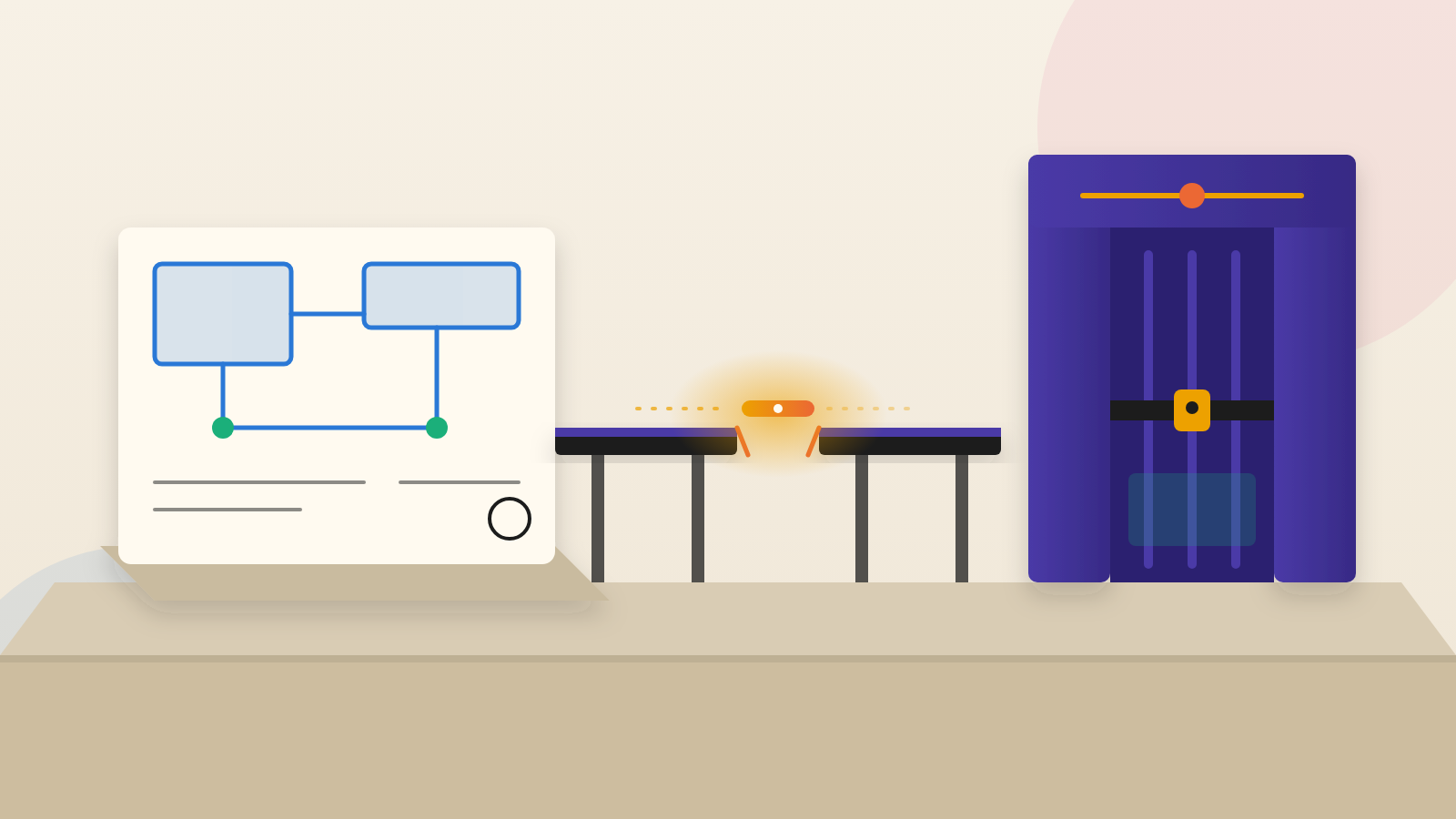
A pop-up proves execution but not business impact. So the researchers swapped it for a real call to Teamcenter's setSurrogate workflow API. In Teamcenter, a surrogate stands in for another user and can take actions in that person's name.
The injected code ran with the victim's logged-in session. It added a second test account as an active surrogate on the targeted account. The victim saw no prompt and visited no other Teamcenter page.
The limits matter. Bishop Fox validated that the delegation was created. It did not use the delegation against real data.
Even so, the researchers describe what a surrogate can do: approve workflow tasks, release documents and modify part structures. In manufacturing or aerospace, they write, such actions can move real hardware. The code could also call any other API the victim is allowed to use, limited only by server-side authorization.
Why the score understates the risk
Siemens rates this one bug twice. The older CVSS 3.1 scale gives it 6.1, which is Medium. The newer CVSS 4.0 scale gives it 8.5, which is High.
Bishop Fox explains the gap. Version 3.1 rates confidentiality and integrity impact as Low. Version 4.0 rates them High for the vulnerable system. Bishop Fox argues that where a system controls engineering sign-off, the higher 4.0 figure is the truer picture.
The point for executives is that a score describes the bug, not your exposure. The same flaw means something different in a brochure site than in the system that decides who releases a design.
What to ask your team
First, ask whether any Teamcenter deployment is in use and which branch it runs. Bishop Fox says Siemens shipped fixed builds across the affected branches, listed in advisory SSA-157465. Updates come through Siemens Support. If a branch is not listed, confirm the upgrade path with Siemens rather than assuming it is unaffected.
Second, ask for a review of active surrogate delegations and their creation history. Flag any that users did not request, and compare them with login and redirect activity at the same time.
Third, ask whether front-end logs can show requests to /auth/ with unusual query strings. Bishop Fox offers two cautions. A match is a lead, not proof that script ran. And attackers can vary the payload to dodge simple signatures. Patching comes before detection.
Finally, ask your own developers how pages that redirect or auto-submit handle input. Bishop Fox's remedy for this class of bug is to escape output to suit the spot in the page where it appears, rather than keeping a blocklist of banned characters.
Siemens acknowledged the report two days after Bishop Fox filed it, according to the researchers. A fast fix is welcome. But the durable lesson sits with the people who own the approvals: know what each account can authorize, and who else can quietly speak for it.
Produced by the WebPulse Newsroom with AI assistance from the original reporting credited below, and checked against that source by our editorial review. How we use AI.
Original reporting: Bishop Fox.