- Shopify Engineering says its first exposure scanner read config files and missed what was actually running, so it rebuilt the tool on Google Cloud's own inventory.
- The new scanner probes each endpoint as an anonymous stranger and reports unclear evidence as 'inconclusive', not as protected. Shopify's point is that guesses give false comfort.
- Leaders should ask whether their exposure inventory comes from the cloud or from repositories, and how their tools handle results they cannot classify.
A list of intentions is not a list of what is running
Shopify's first exposure scanner could say what its teams intended to expose, but not what was actually running. Shopify Engineering's account of replacing it with a tool called Overexposed is a useful case study in that gap.
Its lesson, in our view, is simple. Exposure checks fail when they start from what teams wrote down. They work when they start from what the cloud reports, and when they admit what they cannot tell.
What Shopify built
Overexposed covers two parts of Google Cloud. One is Google's managed Kubernetes service, GKE, where an Ingress is the rule that lets outside traffic reach an app inside a cluster. The other is Cloud Run, Google's service for running containers without managing servers.
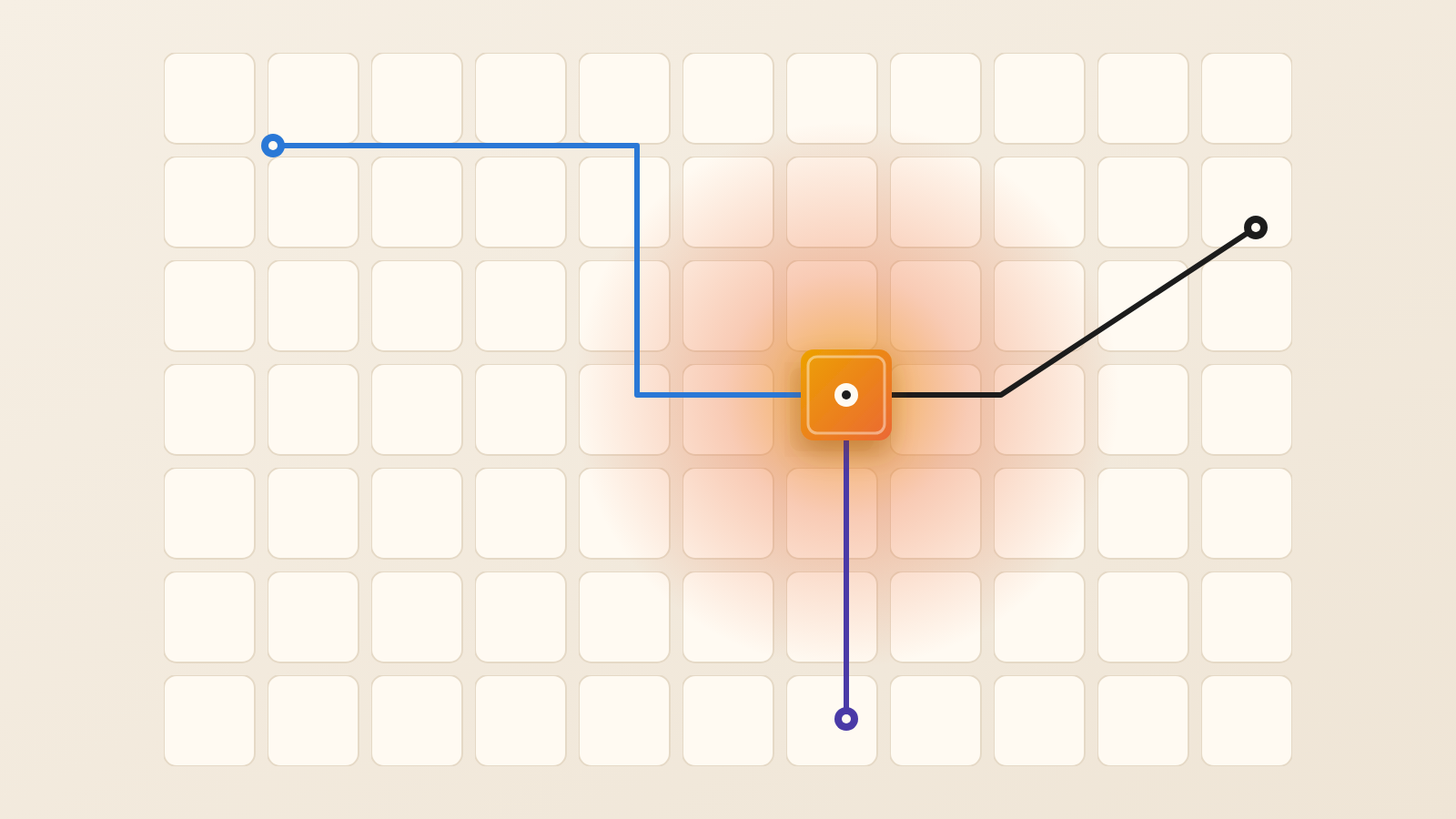
The scanner runs on a schedule. It asks Google Cloud what is deployed, sends one anonymous request to each candidate, and records a verdict with a reason.
Why the first version failed
Shopify's first scanner searched its infrastructure repository for Ingresses on public hostnames that lacked an authentication setting. It then sent a live request to each one. Shopify says this failed in three ways.
It raised false alarms, because some teams set proxy authentication directly and the scanner did not recognize it. It missed real cases, because an admission controller, which changes settings when a cluster accepts an Ingress, does not run in every cluster. It also had blind spots, because some Ingresses come from other repositories or platform tools.
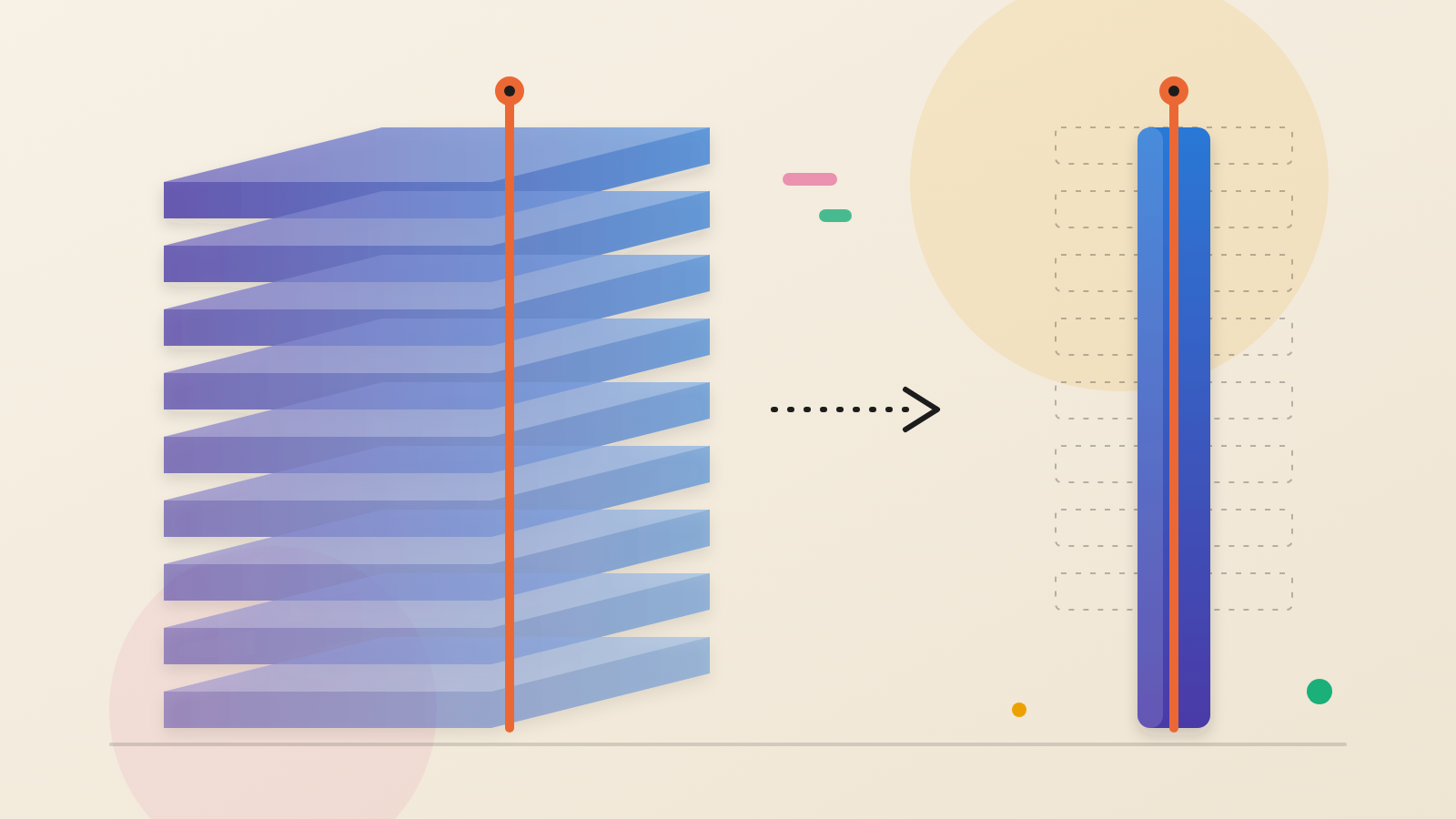
The deeper problem, Shopify found, is that files record intent, while the live cluster can differ. The team switched to Google's Cloud Asset Inventory, a catalogue of resources across an organization. It lists the Ingresses GKE accepted after all admission controllers ran. It also surfaced Cloud Run services in many projects that the first scanner had not covered.
How the probe avoids fooling itself
An inventory lists what could be reachable. To learn what is reachable, the scanner has to behave like a stranger: one request, no credentials.
Shopify describes several details that matter. Cloud Run is open to the world in two cases. Either allUsers, the principal that stands for anyone, holds the invoker role, or the invoker check is switched off. A service that accepts all network traffic but restricts that role returns a 403 to strangers. That is not an exposure.
Load balancers add a layer, because the balancer or the application itself may enforce login. Identity-Aware Proxy is one option. Where a balancer sits in front, the scanner consults its routing table, called a URL map, to match each path with the service behind it.
Shopify's probe rules are specific. The scanner asks for headers only (a HEAD request) and falls back to a full page request only if the server refuses. It follows no more than three redirects, checking each one by hand. A redirect to an identity provider counts as protected. It also tests variations such as /ADMIN when only /admin is protected, because path rules can be case-sensitive.
A scanner can itself be turned against internal systems. Security teams call this server-side request forgery, or SSRF. Shopify checks every IP address a hostname resolves to and rejects private and loopback addresses. It then connects straight to the checked address, so a second DNS lookup cannot change the destination. Shopify adds that these checks are not enough alone. It advises restricting the scanner's network access too.
Six verdicts, and one status code with many meanings
Each verdict rests on three inputs: the deployed configuration, the anonymous probe's response, and whether the owner had approved public access.
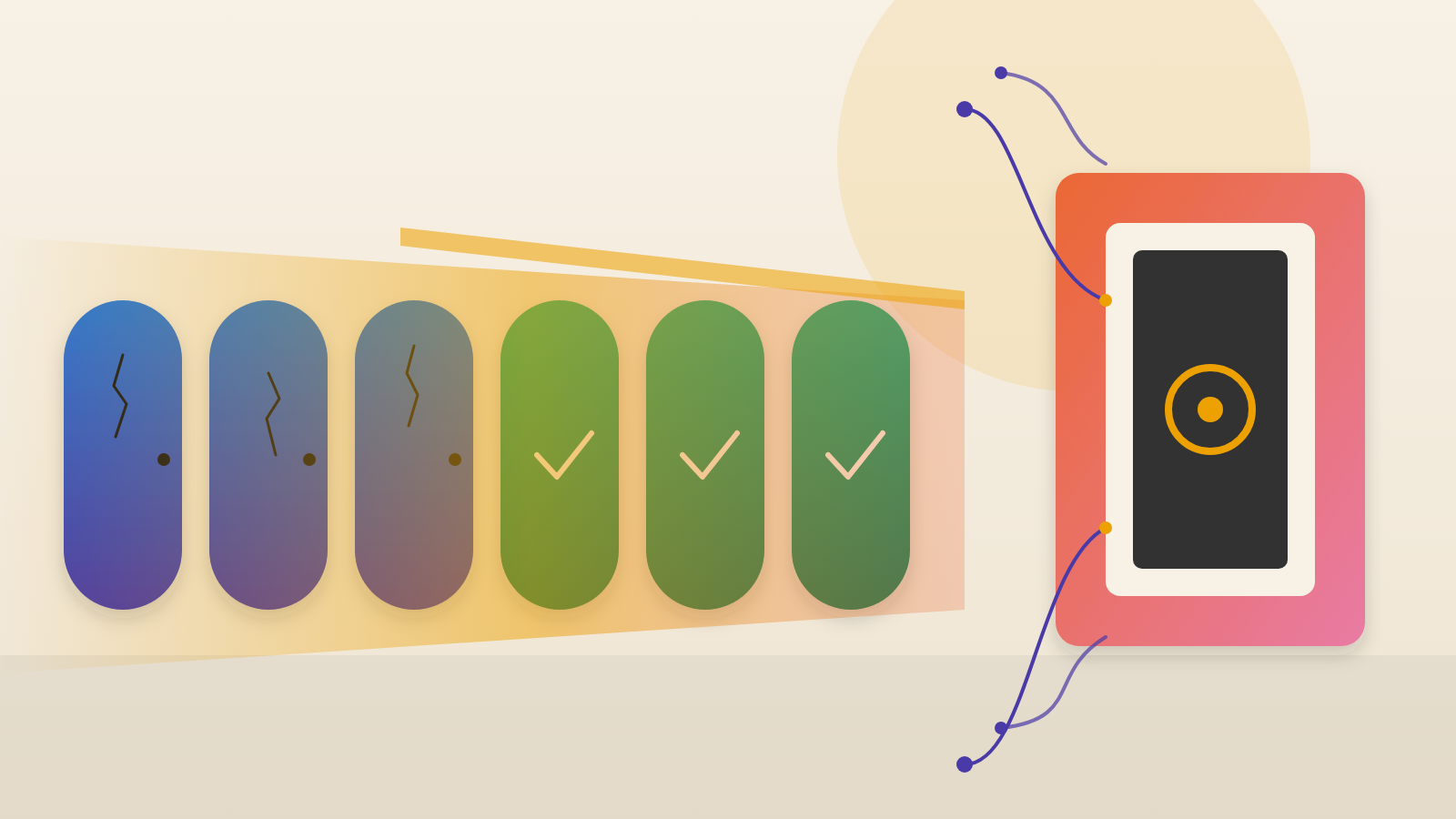
Exposed means anonymous access worked and no approval was on file. Expected means it worked and matched an approval. The other labels are protected, not found, unreachable and inconclusive. Inconclusive covers the case where an endpoint replied, yet the reply did not settle whether access was open or closed.
Public-by-design endpoints are recorded in code, so changes go through review. Each entry is matched on exact host and path. The scanner still probes them on every run. If an approved endpoint now requires authentication, Shopify flags the entry as probably stale.
Shopify's rules table showed that one code can mean different things. A 404 from an Ingress setup means the proxy answered and nothing lives at that path. On Cloud Run, the same code may come from Google's front end before the app starts, so it reveals nothing about login rules. A 403 is not proof of protection either, because many apps send it for other reasons.
Honest results come first, then better ones
Shopify's rule is that uncertainty does not mean protected. Incomplete or contradictory evidence becomes inconclusive and stays visible.
That choice had a cost. In one July run, about three in four results were inconclusive. The team grouped results by reason and added clearer verdicts, such as not found and unreachable, only where the evidence supported them. Before changing a rule, it replays the rule against saved results from earlier scans and compares every verdict. Within a few weeks, Shopify says, inconclusive Ingress results fell by about 80%.
When AI writes the scanner, tests need testing
Shopify says AI coding agents helped write Overexposed and AI code review checked every pull request. The speed came with a risk: a test can pass while checking the wrong thing. In one example, a test confirmed that a SQL parameter existed but not that the query used it.
The team now uses mutation testing on its guards. It removes the fix and runs the tests, and if they still pass, the tests are wrong. It also keeps one canary target per verdict, each with a known expected result.
Questions to put to your team
Does our exposure inventory come from what the cloud runs, or from what repositories say? Which checks treat a 403 or 404 as proof of protection? What happens to results the tool cannot classify: are they counted, or dropped? Who reviews our list of approved public endpoints, and is each one still probed?
Finally, if AI tools write our security checks, how do we know the tests would fail when the fix is removed? A scanner that guesses gives comfort. A scanner that explains its verdicts gives a team something to act on.
Produced by the WebPulse Newsroom with AI assistance from the original reporting credited below, and checked against that source by our editorial review. How we use AI.
Original reporting: Shopify Engineering.