- Huntress reports a compromised ConnectWise Cloud Backup credential was used to sign in to customer Microsoft 365 tenants. It confirmed 162; The Hacker News later cited 173.
- App-only sign-ins skip MFA, and the audit log shows no source address or directory reads, so a clean log does not prove a tenant is clean.
- Disable, do not delete, the affected ConnectWise apps, then review all application credentials added since October 13.
The key that your customers cannot protect
Most security programs assume a breach starts inside your own walls. A phished employee, a weak password, a missed patch. This incident started in someone else's tenant.
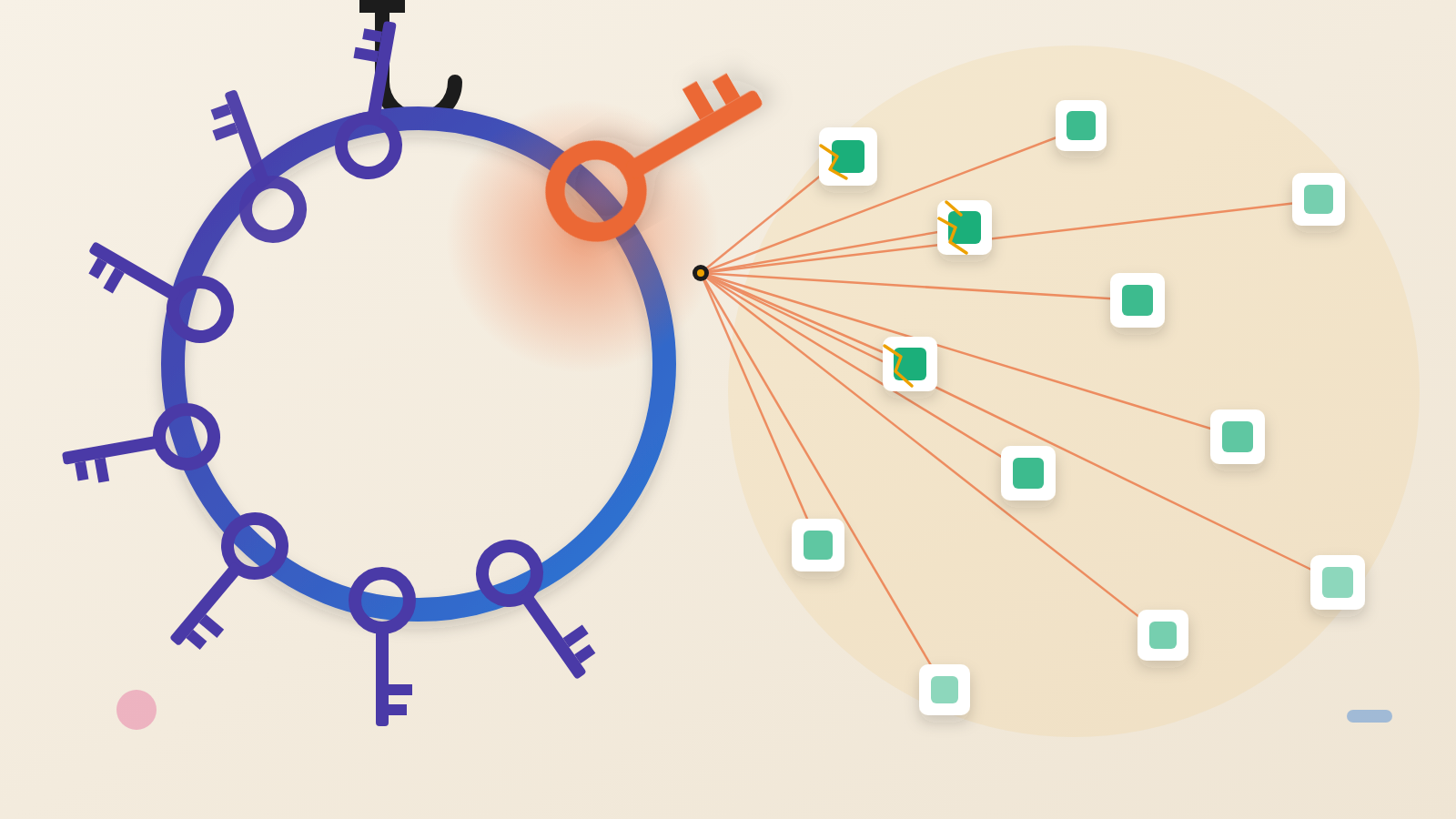
Huntress says attackers now hold a working secret for ConnectWise Cloud Backup, the product once sold as SkyKick. They have used it to enter customer Microsoft 365 tenants. The lesson here is that a vendor's secret is part of your attack surface. You cannot rotate that secret yourself. You can only limit the damage, with controls such as Conditional Access for workload identities and limits on who can add credentials.
Huntress was clear on one point. Microsoft's sign-in logs showed a credential type that is stored in the vendor's own tenant, not the customer's. So no customer mistake can explain these sign-ins.
The count has moved between reports. Huntress counted 162 confirmed tenants at 19:00 UTC on October 16. The Hacker News later cited 173, attributing it to Huntress. Huntress adds that the real number may be higher, because the credential works in every tenant that has the app installed.
How a backup tool becomes a master key
ConnectWise Cloud Backup protects Microsoft 365 or Google Workspace data for managed service providers (MSPs), the outside firms that run IT for other companies. Doing that job takes wide reach: mail, OneDrive and SharePoint files, Teams and directory information in each customer tenant that installs it.
That reach is the point of a backup tool. It must read everything to copy it, and write to restore it. Todyl, which saw the same activity, says the app's consent covers full mailbox access, files, Teams chats and the ability to restore data.
The intruder presented the compromised secret with custom tooling, just as the real service would. Microsoft handed back tokens carrying whatever rights the app already had. No person is involved in this kind of login. There is no user, no device check and no second-factor prompt. The protections built for people do not come into play.
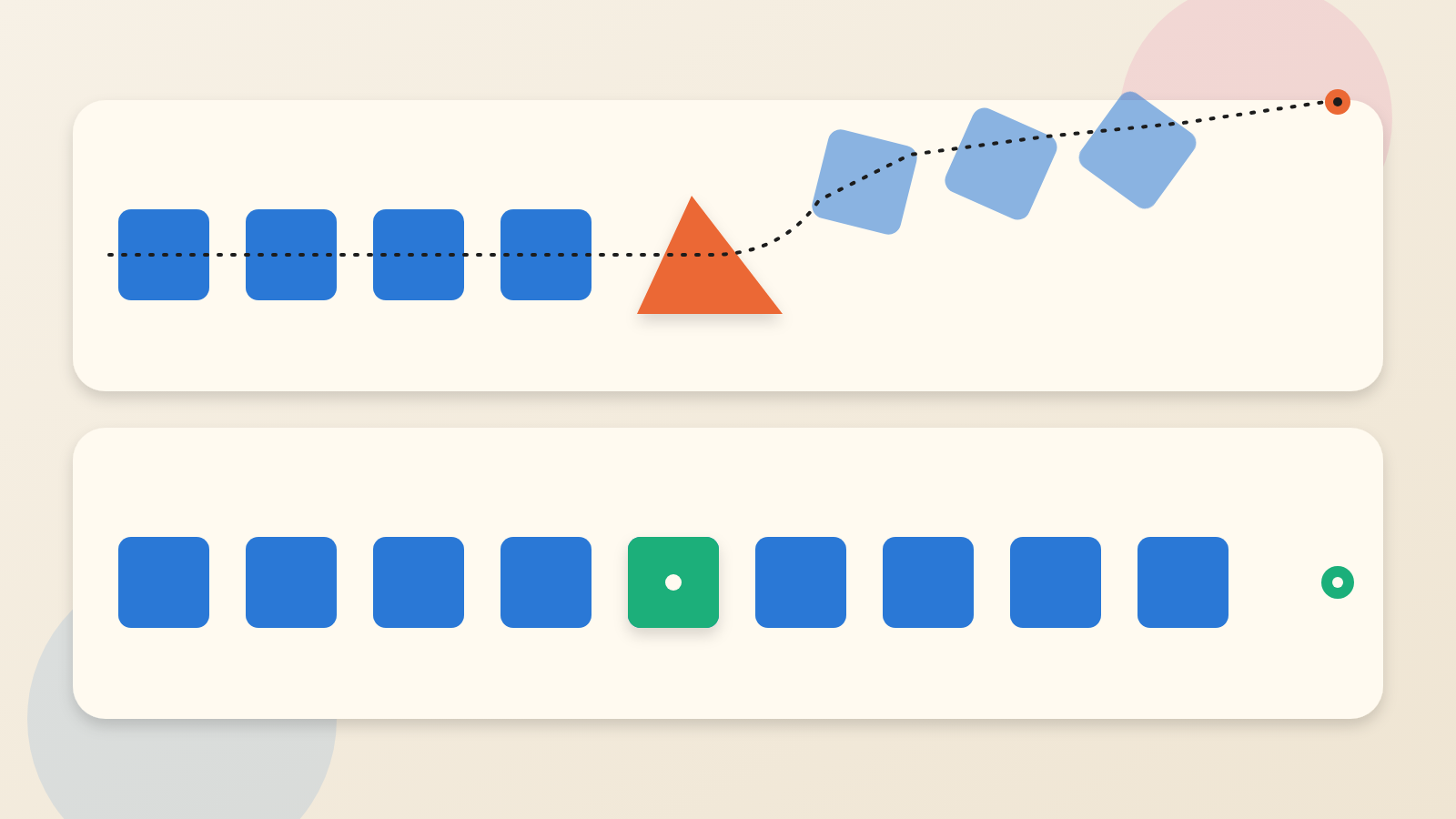
The sign-ins Huntress observed on October 15 ran from 06:13 to 08:34 UTC. They came from an address at a hosting provider, not from the app's normal home in Azure. The actor worked through tenants in ID order, a few seconds apart. Huntress reads that as an automated run through a target list.
Five minutes in one tenant: new credentials appear
The more telling detail came from one Huntress partner tenant. A second ConnectWise application, Cloud Management for Microsoft Teams, made itself a Global Administrator. A Python script then added new client secrets to two other applications. One was an MSP management tool. The other was Huntress's own security application.
One caveat belongs right beside this sequence. Huntress has not tied this phase to the operator who signed in from the hosting address.
A client secret is a password for an application. Whoever holds it can sign in as that app from anywhere. The newly added secrets were set to expire in 2028. Huntress notes that disabling the abused apps does not remove credentials already added. That is why it calls rotating the vendor's credential necessary, but not enough.
Two sets of activity, two different signatures
Huntress separates the earlier events by user agent, the label an application attaches to its requests. Starting around 01:58 UTC on October 15, ConnectWise's Cloud Management apps gave themselves directory roles, mostly Exchange Administrator, in roughly 50 tenants Huntress monitors. Those events used the kiota-dotnet agent, which ConnectWise's own apps use. Huntress says this points to vendor automation. It has not confirmed that with ConnectWise.
The secret additions in the one tenant looked different. They came from a Python agent, Python-urllib/3.12. Huntress says that differs from the vendor apps it reviewed. It also warns that Python is common in ordinary administration.
Timing matters here. In that tenant, the changes happened at about 03:44 UTC, hours before the first hosting-address sign-ins at 06:13 UTC. Huntress had no source address for the earlier events. It has not tied the two phases to one operator.
What the logs will not tell you
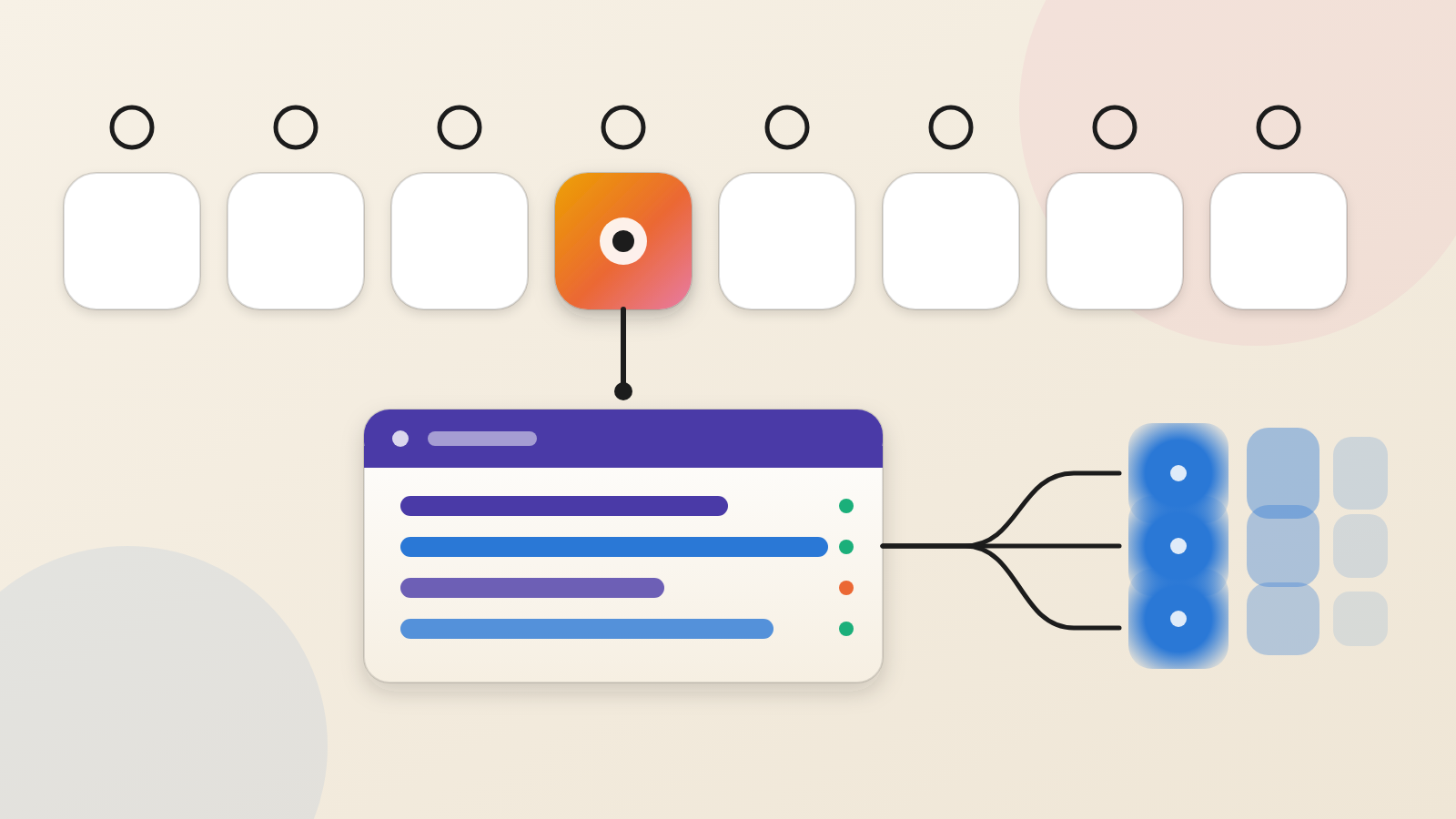
This is where the idea bites. Huntress says Microsoft's audit log shows no source address for actions taken by an app alone. It also omits the details of an added credential. Microsoft Graph does not log reads of directory data.
In the one tenant Huntress reviewed in detail, it saw no mail or file access. It says that does not mean nothing was taken. A clean log is not proof of a clean tenant.
Todyl's analysis says signing users out is no remedy for this access. Switching the app off in a tenant blocks new tokens. Any token already handed out keeps working for as long as 90 minutes.
Questions to put to your IT team or MSP this week
Huntress's guidance is specific. Disable, but do not delete, the ConnectWise Cloud Backup app (ID 506e08f9-6e9a-4da4-942b-a099a03644ae) and the Cloud Management - MS Teams app (ID 24205314-2b89-4e07-a2a4-579e898a5640). Deleting removes the consent and forces re-consent later. Disabling pauses automated backups, so ask what that gap in recovery points means for you.
Then ask the harder questions:
1. Which outside apps hold Global Administrator or other directory roles in our tenant, and who approved them?
2. Have client secrets or certificates been added to any application since October 13 that we did not create?
3. Do any Conditional Access policies exclude these apps? An exclusion means the attacker's address may not be blocked.
4. Do we limit who can add credentials to applications? Can we restrict client secrets by policy, and use Conditional Access for workload identities, which needs extra licensing, to limit where apps can sign in from?
5. When will ConnectWise confirm that all credentials are reset? Huntress advises keeping the apps disabled until it does.
The Hacker News reports that ConnectWise has closed Cloud Backup application access until further notice. Huntress would not vouch for the safety of ConnectWise's other applications.
A building can have excellent locks and still be open to anyone who copies the maintenance company's key. Treat every vendor app with broad access as a key you hold, but do not control.
Produced by the WebPulse Newsroom with AI assistance from the original reporting credited below, and checked against that source by our editorial review. How we use AI.
Original reporting: Huntress.