- SANS ISC's Xavier Mertens found fake invoice PDFs that install Action1, a real remote-management tool, which appears to report to an attacker-controlled account.
- The four installer files carried an Action1 signature from a certificate that had since expired, and VirusTotal did not flag them as malicious.
- Keep a list of approved remote-management tools and accounts, and alert on any new one.
Some phishing campaigns do not need malware at all. One described this week installs a real IT management product on the victim's computer. The installer files are the vendor's own. What differs is whose account the software reports to.
What the SANS researcher found
Xavier Mertens, a handler at the SANS Internet Storm Center, published the analysis on October 6, 2026. It follows an earlier diary he wrote on ScreenConnect, another remote-management tool, being abused. He describes this one as the same scenario with a different product.
The lure was a phishing email carrying a fake PDF invoice. A second sample that reached his mailbox imitated a DHL document. Both ended with the same installer.
How the delivery chain works
The PDF contains no obvious malware. It carries two instructions, called OpenAction and URI. When the file opens, they send the reader's computer to a web address. Mertens notes that this avoids putting a link in the email body, where filters find it more easily.
That address serves a Visual Basic script (a VBS file). It is simple and not obfuscated. It does two things at once. It shows a decoy PDF, a clearer copy of the original attachment, so the victim sees what they expected. Meanwhile it downloads and installs an MSI, a standard Windows installer package.
The MSI contains four files. They belong to the remote-management tool from Action1. They carry a signature from "Action1 Corporation", though that certificate expired in May 2026. VT, the file-scanning service VirusTotal, did not report any of the four as malicious.
The installer registers a Windows service called "A1Agent" so the tool keeps running. It runs C:\Windows\Action1\action1_agent.exe. A registry key, HKLM\Software\Action1\Agent, stores a customer ID, a certificate and a private key. The agent then connects to Action1's own cloud, at a server on the na-2.action1.com domain.
In the DHL sample, the PDF points to a ZIP file on a vercel.app address. The ZIP holds an HTA script, a Windows script format, which delivers the same MSI.
The idea: the attacker rents your trust
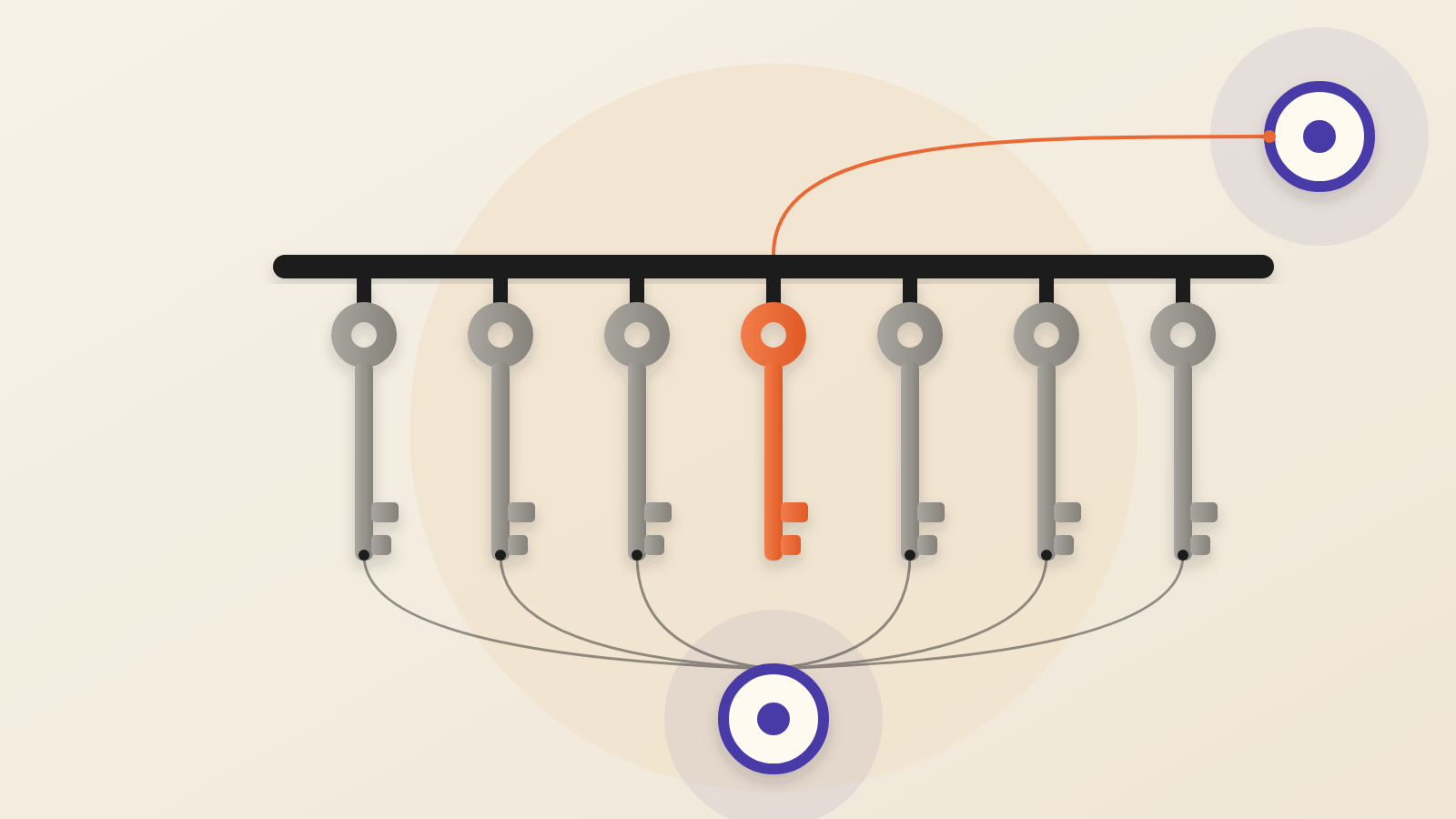
Security tools are good at asking whether a file is bad. This campaign makes that the wrong question. The software is the vendor's own, and the destination is the vendor's real cloud. What differs is the relationship. The customer ID in that registry key identifies which account controls the machine.
Mertens writes that the attacker abuses the vendor's cloud infrastructure, "probably" with a free or test account. That is his judgement, not a confirmed fact. If it is right, the attacker needs no servers of their own. In WebPulse's analysis, they borrow a vendor's reputation, and blocking the vendor's domain would also block its legitimate customers.
Picture a locksmith's van with real tools and a genuine work order, made out to the wrong customer. The van and the tools are real. Only the name on the order differs.
What the report does not tell us
This is one analyst's two samples. The diary does not say how many organisations received these emails or whether anyone was compromised. It does not name the attacker. It does not say whether Action1 has acted on the account involved.
Mertens says it seems a trend has started, pointing to the run of abused remote-management tools. His published evidence is two diaries, and in this one, two samples. That is a signal worth watching, not yet a measured pattern.
Questions to put to your security team
First, which remote-management tools do we approve? Ask for a short written list, naming the vendors and our own account or tenant for each. Anything else that appears is a finding.
Second, can we see a new one arrive? A new Windows service such as A1Agent, or a new registry key under HKLM\Software, is a signal worth an alert. So is a software installer launched from a user's download folder.
Third, do we need Visual Basic and HTA scripts to run on staff laptops at all? If not, switching them off removes a step this chain relies on.
Fourth, would our email filter treat a PDF with an automatic link action as suspicious? Here the PDF held the only link.
Finally, ask whether your vendors act on abuse reports. Check whether your own approved tools let you restrict them to your account only.
The lesson is that a tool's name tells you little about whose side it is on. The account behind it tells you more.
Produced by the WebPulse Newsroom with AI assistance from the original reporting credited below, and checked against that source by our editorial review. How we use AI.
Original reporting: SANS Internet Storm Center.